UI Tour
Nimbus UI is the browser-based view of the Nimbus API. It provides a convenient way to create and manage the resources that make up an agent deployment, while the Kubernetes operator handles reconciliation behind the scenes.
This tour follows the usual lifecycle: create the building blocks, assemble an agent definition, deploy it, then give the agent ways to receive and handle work.
Getting started
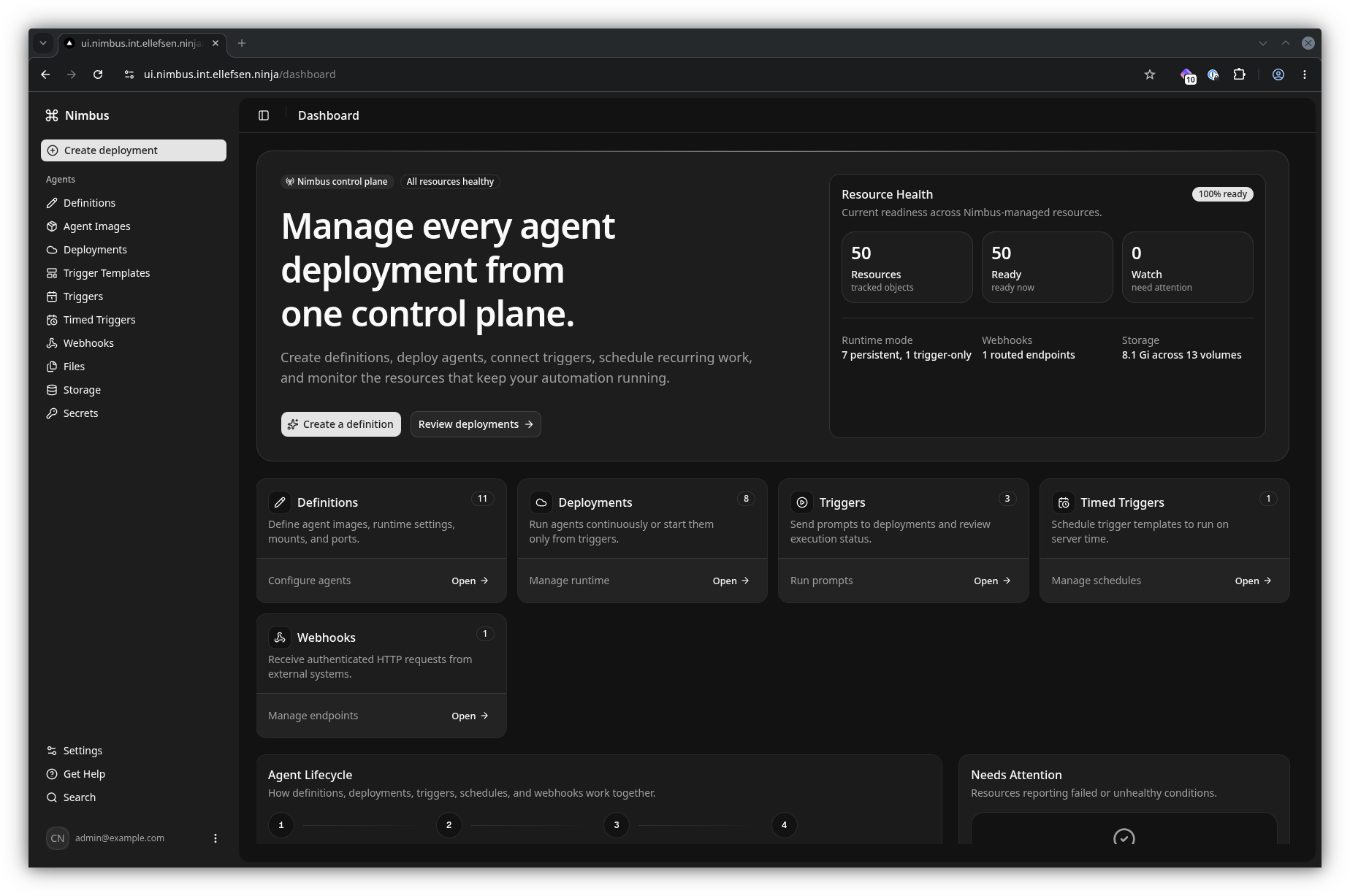
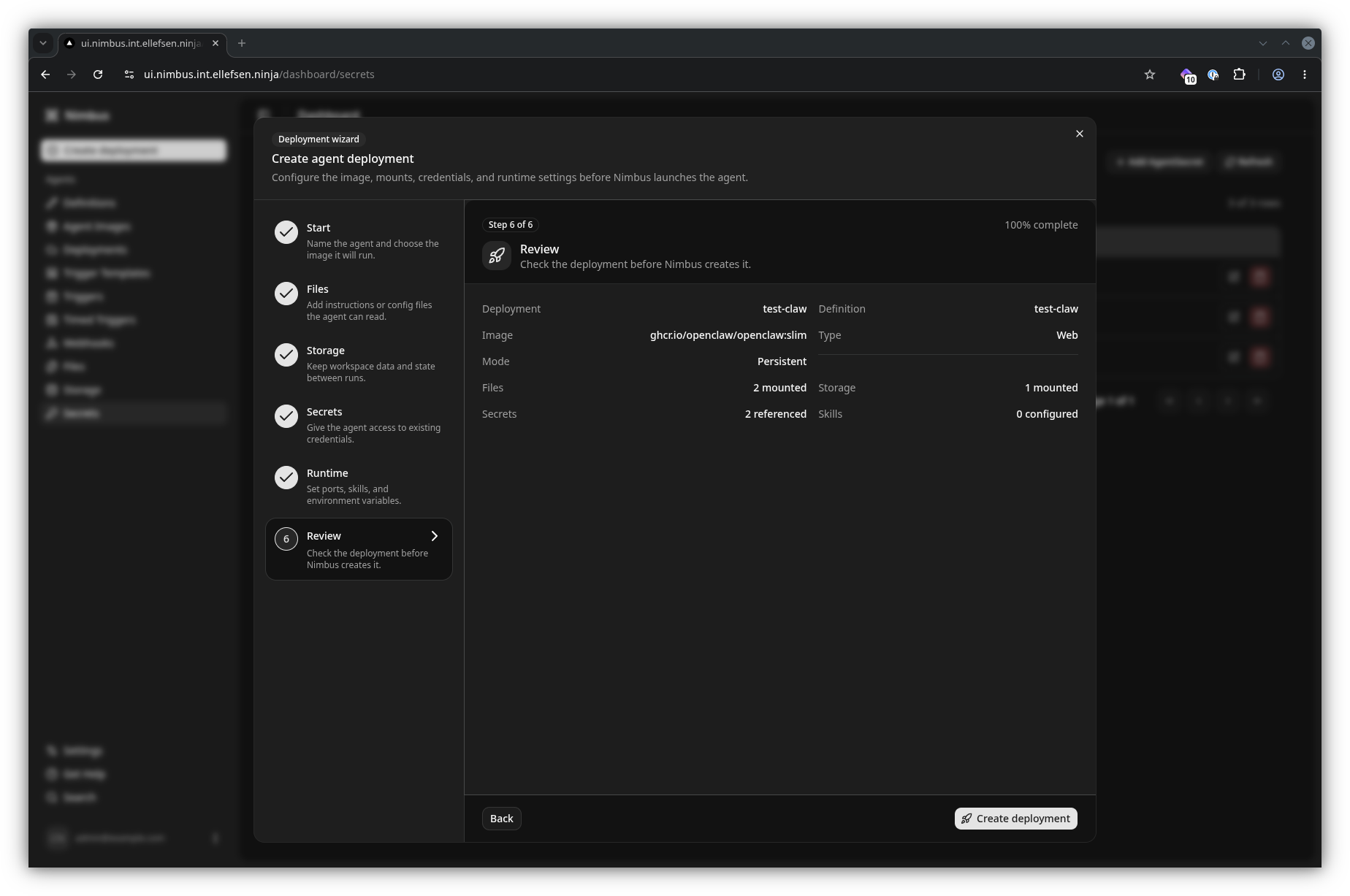
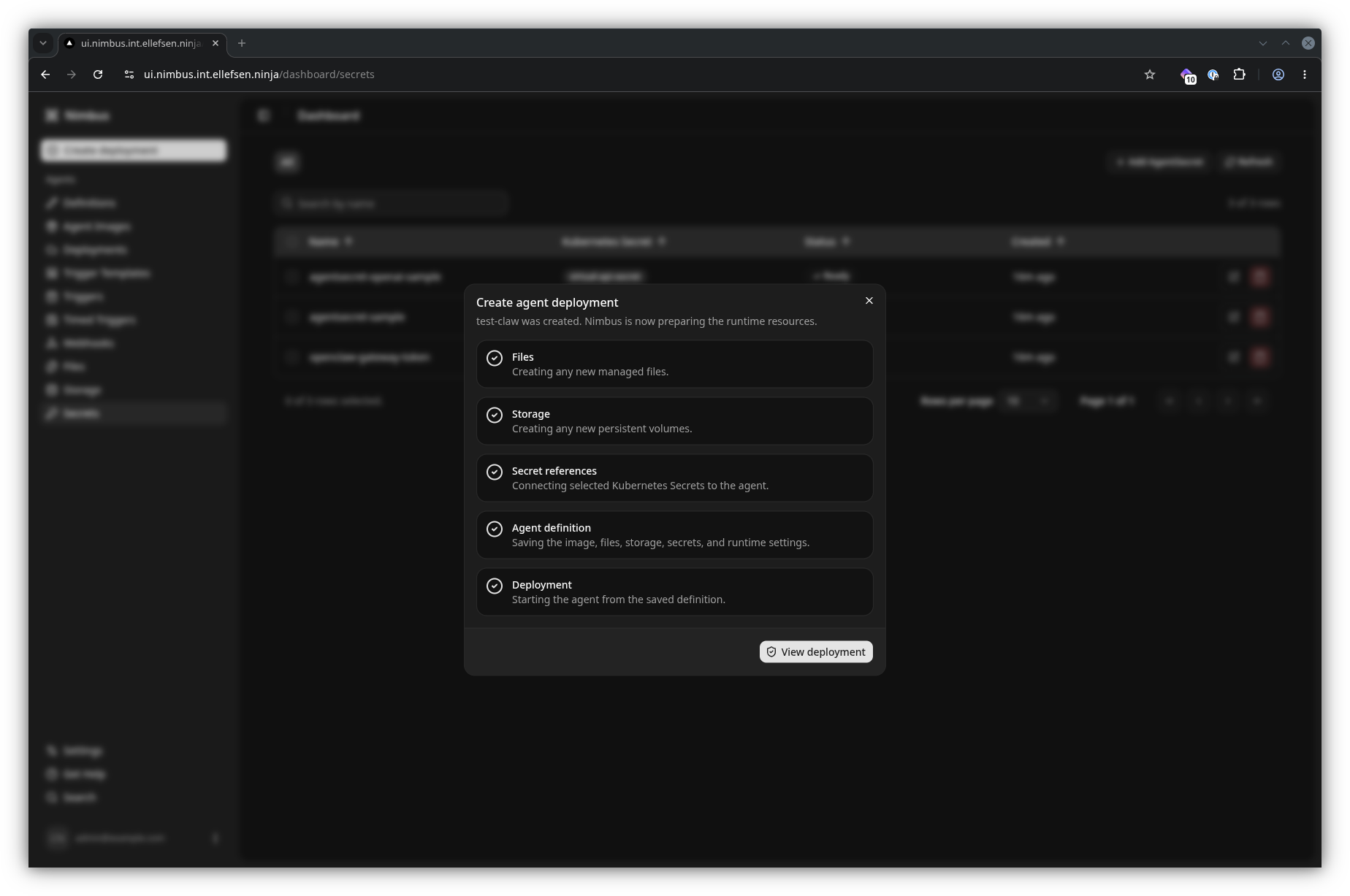
The welcome screen provides the starting point for exploring an existing Nimbus installation or creating your first agent. The Quick Create Wizard guides you through the common setup steps, so you do not need to construct Custom Resource YAML by hand.
Quick Create Wizard
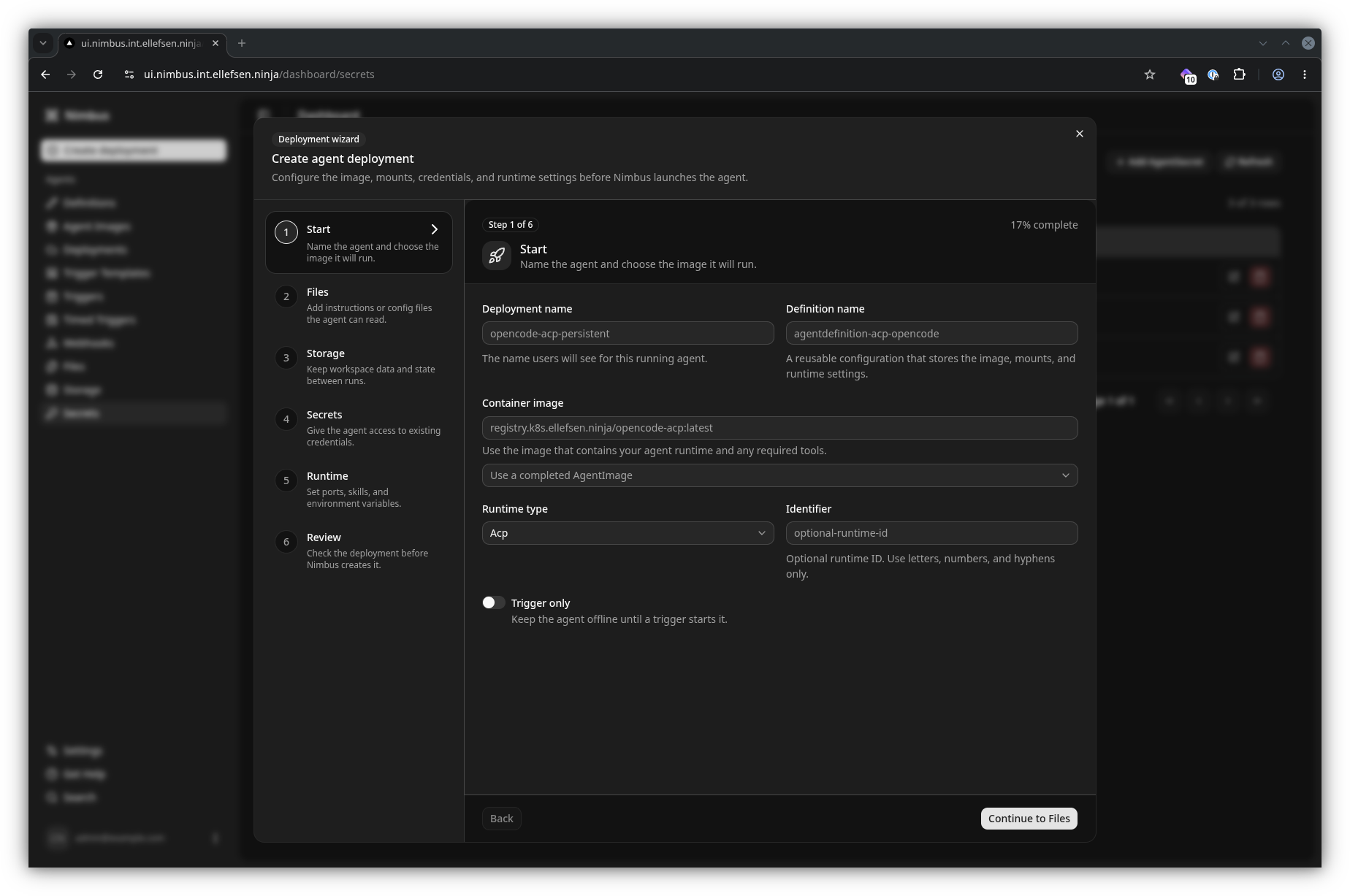
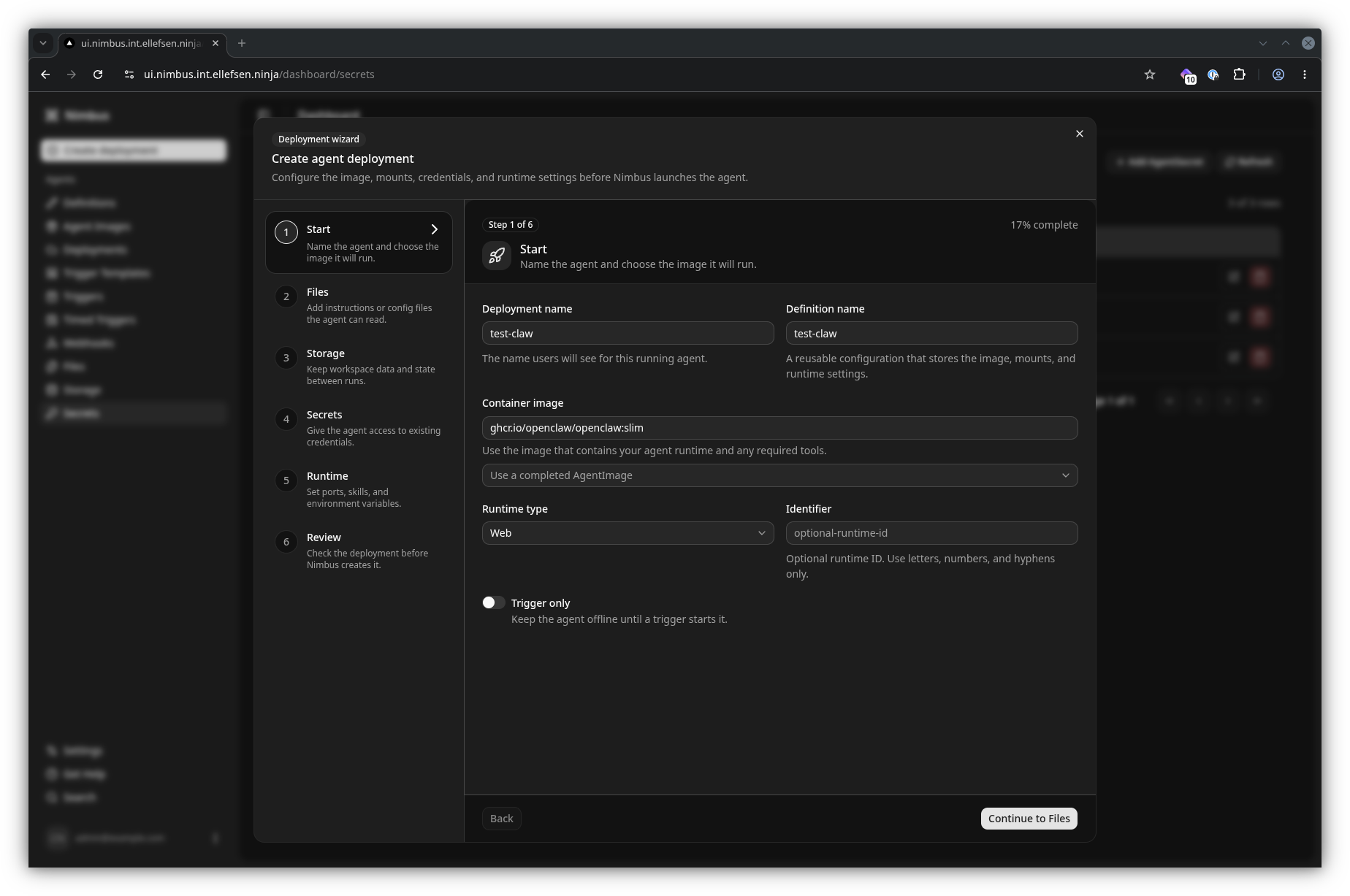
The wizard brings the core pieces of an agent together in one flow: choose an image, configure the definition, attach files, secrets, or storage as needed, and create the deployment.
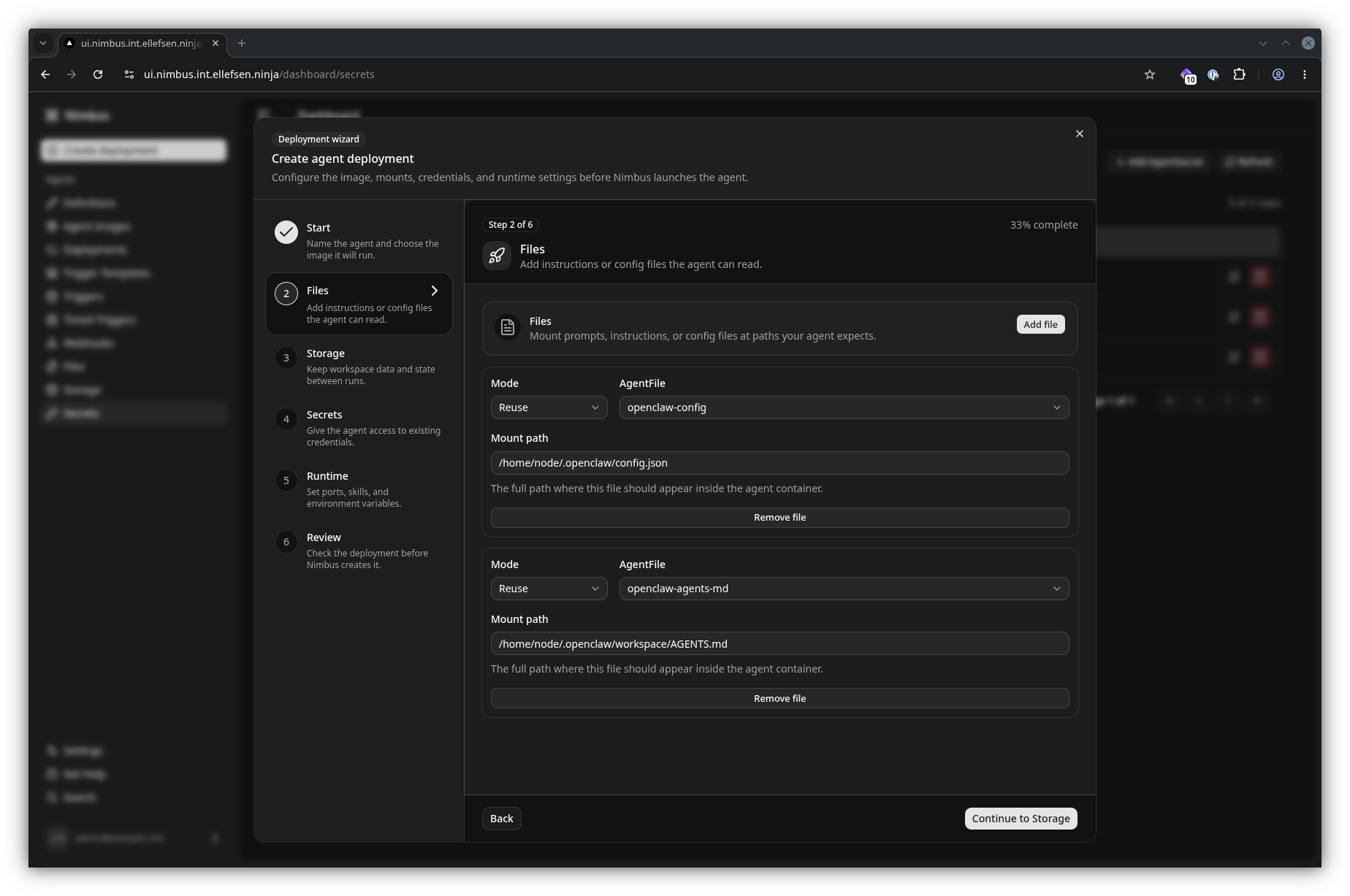
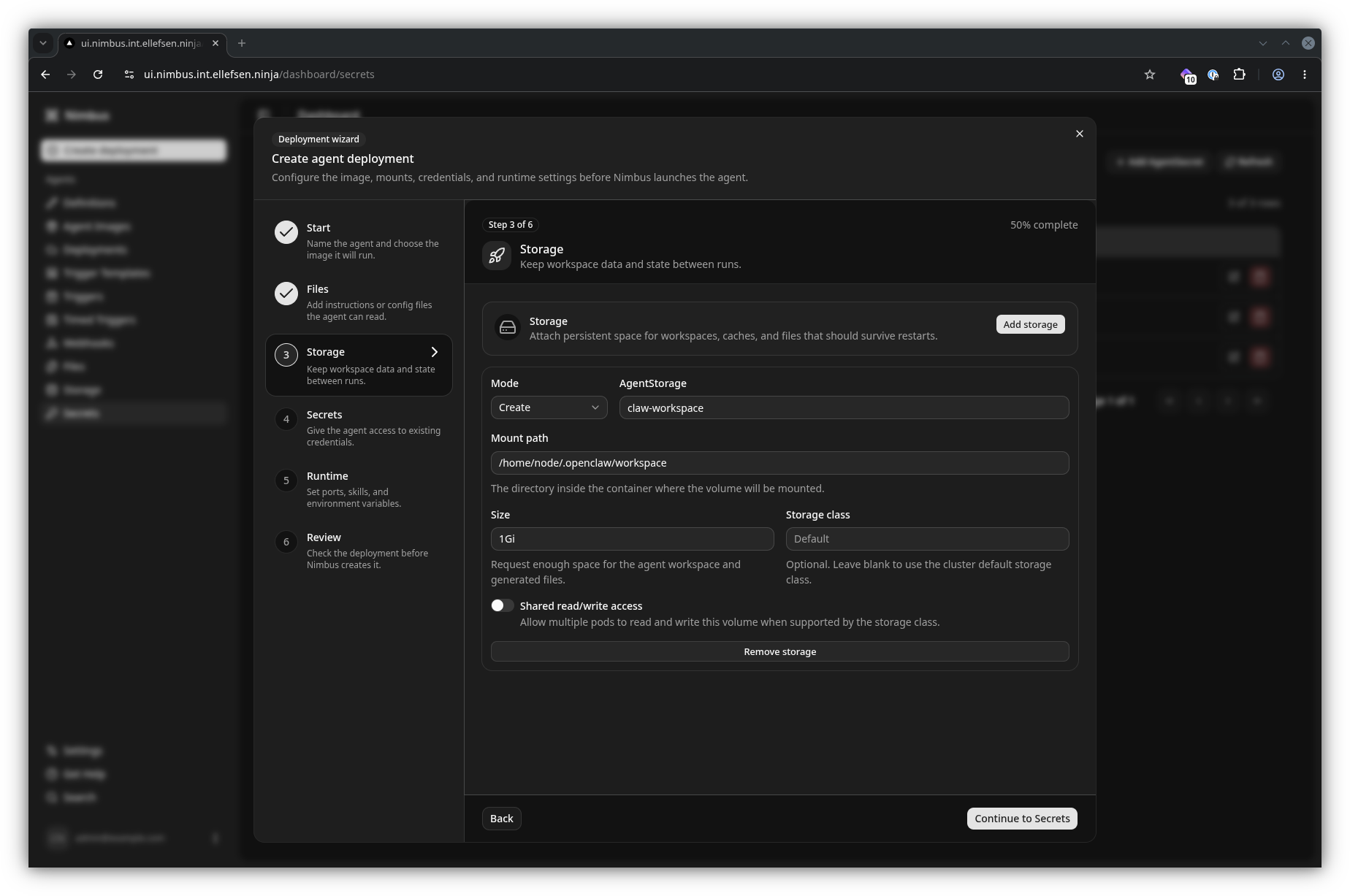
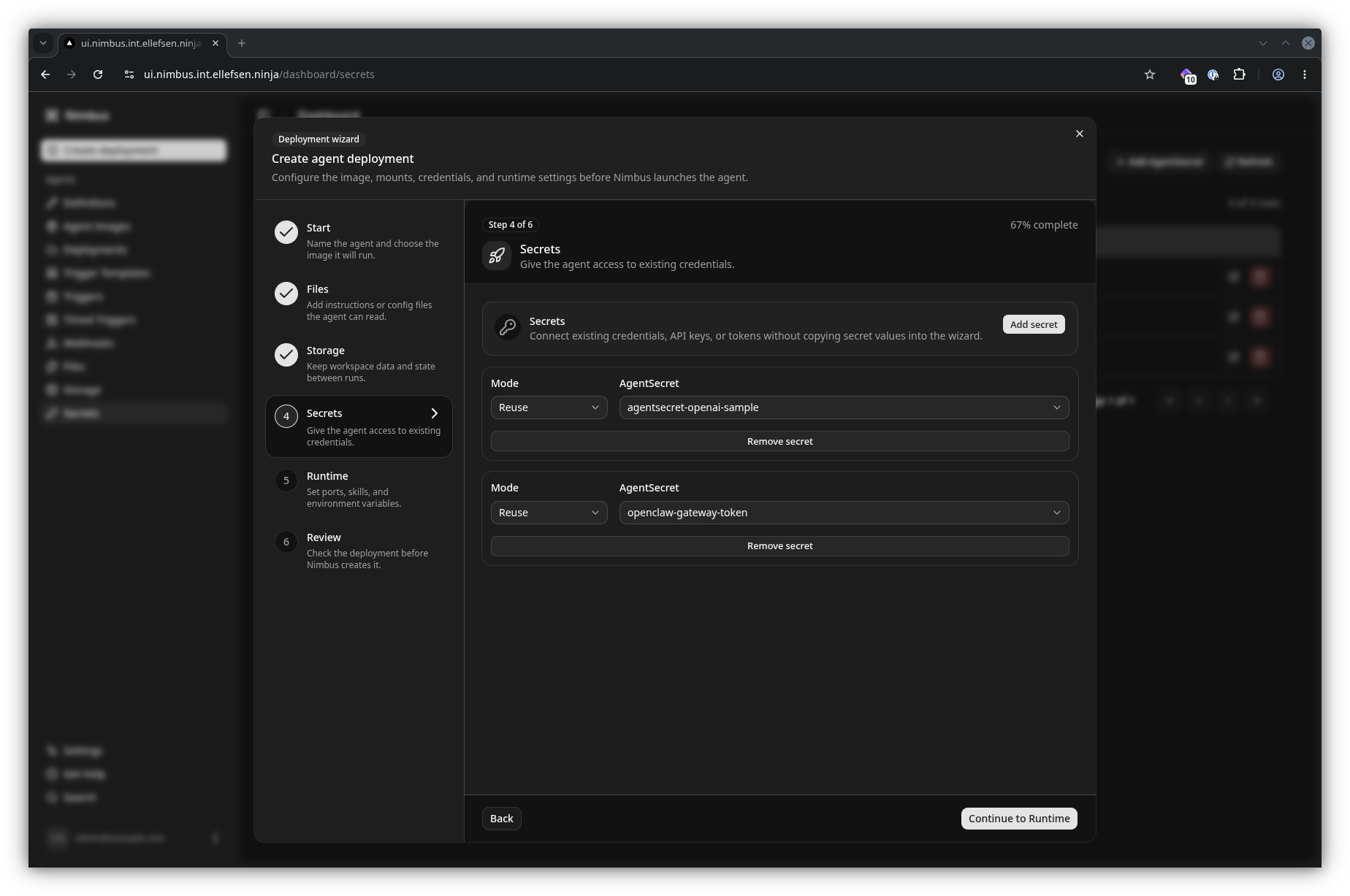
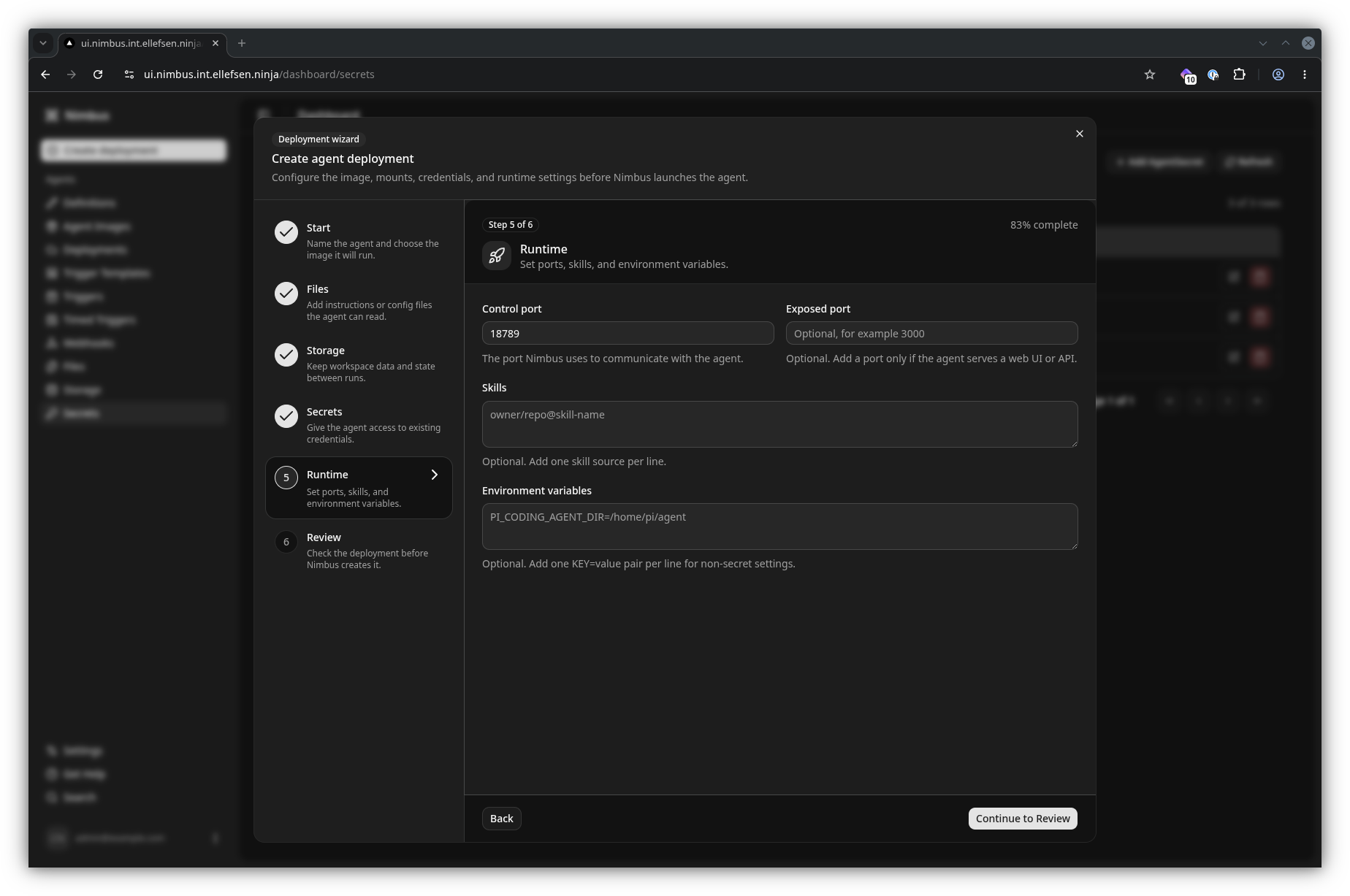
Build an agent definition
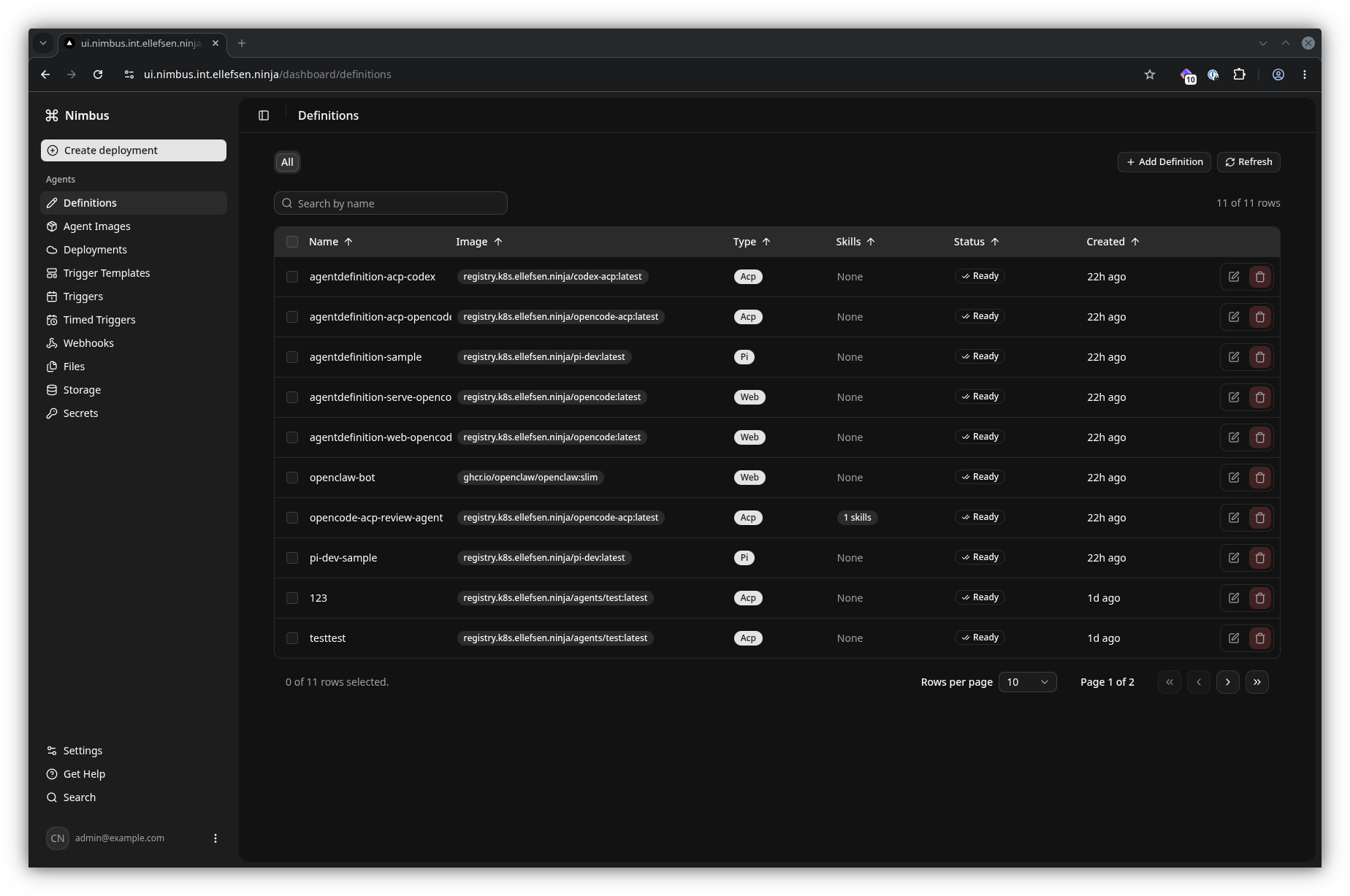
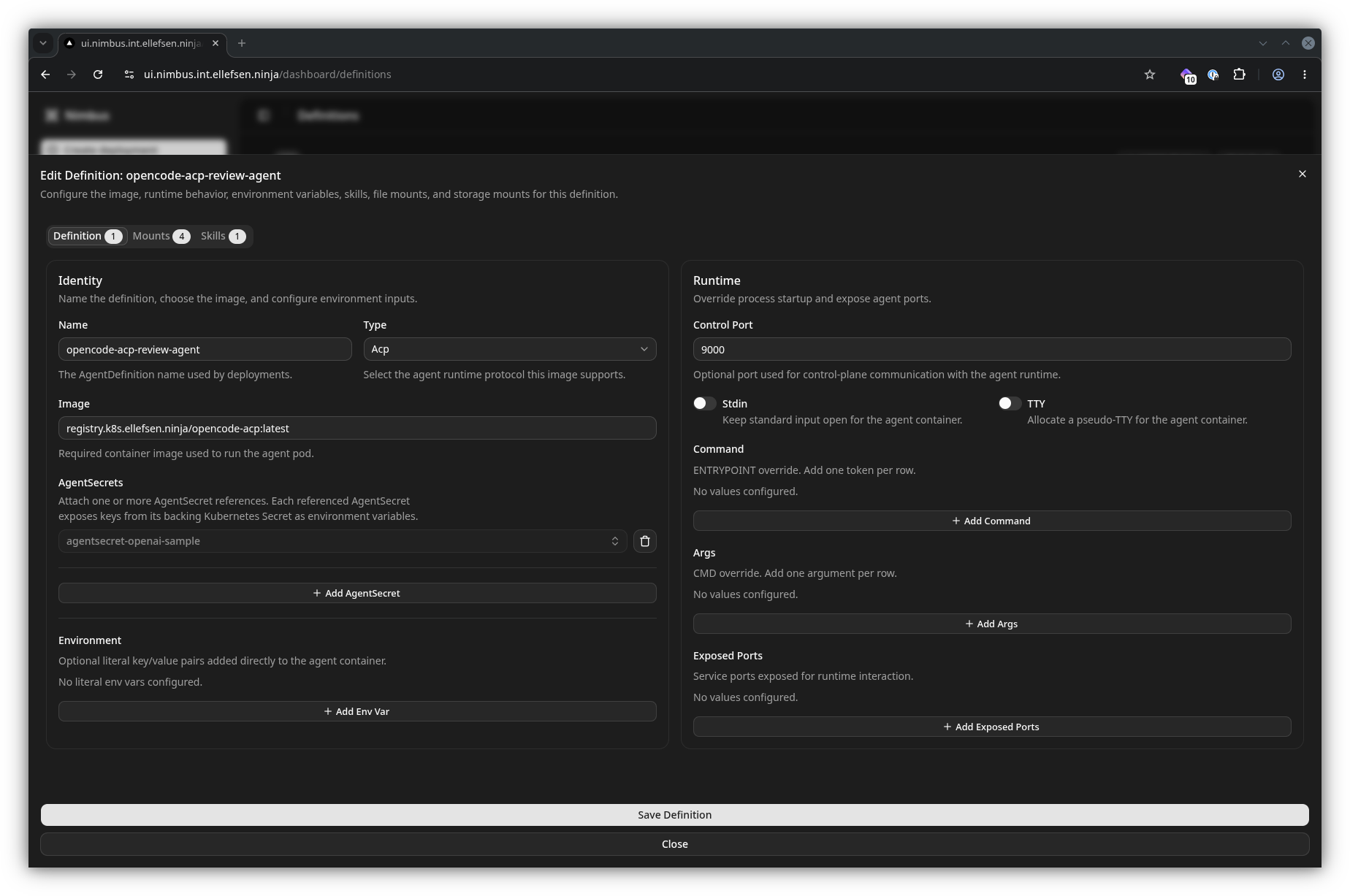
An AgentDefinition is the high-level description of what an agent runs and what it needs. From its detail view, you can inspect the image, linked files and secrets, storage mounts, and exposed ports before using the definition in a deployment.
Supporting resources
Nimbus keeps the supporting resources separate from the definition. This makes it possible to reuse files, images, secrets, and storage across definitions while keeping sensitive data in Kubernetes Secrets.
Files
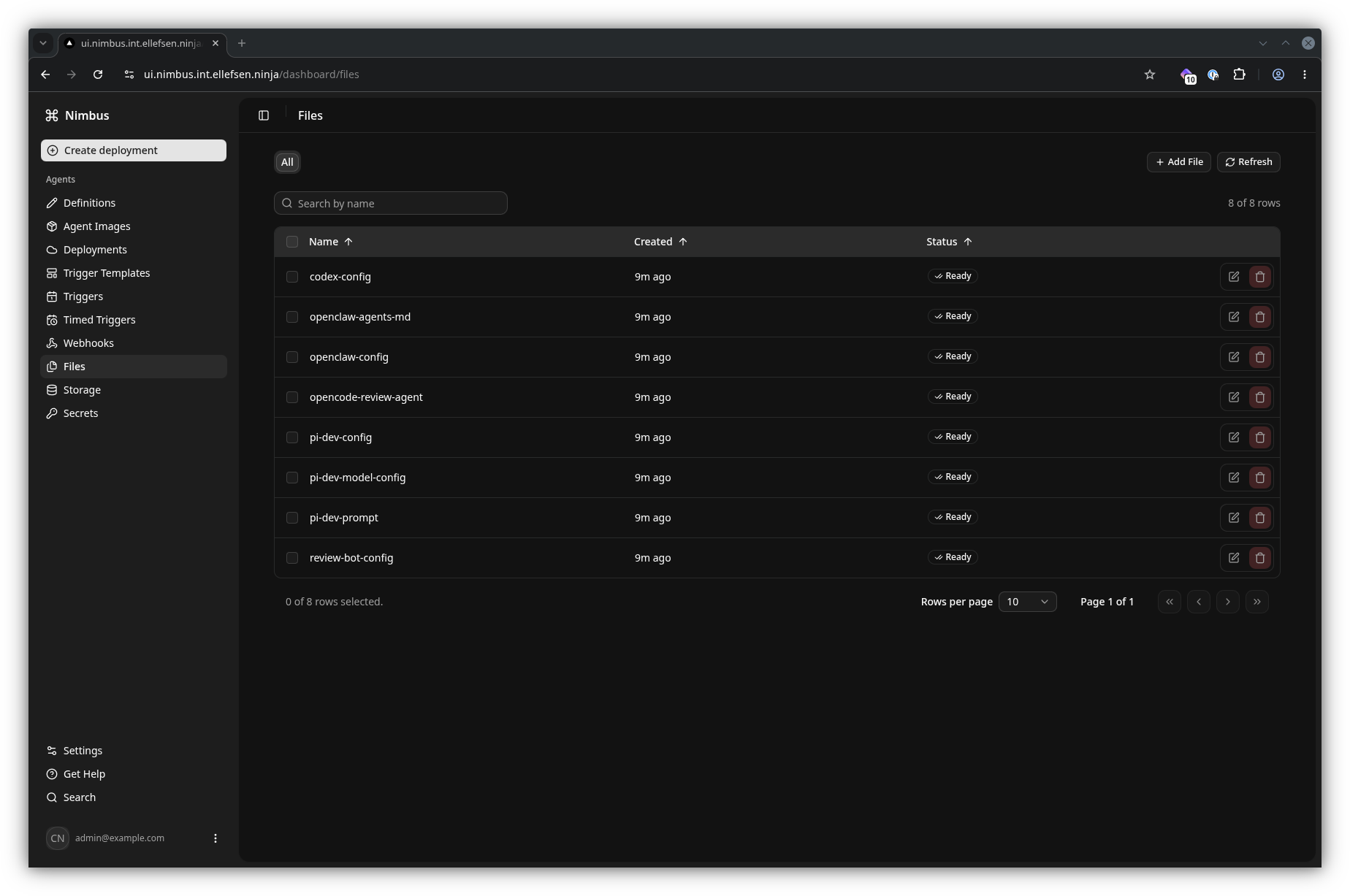
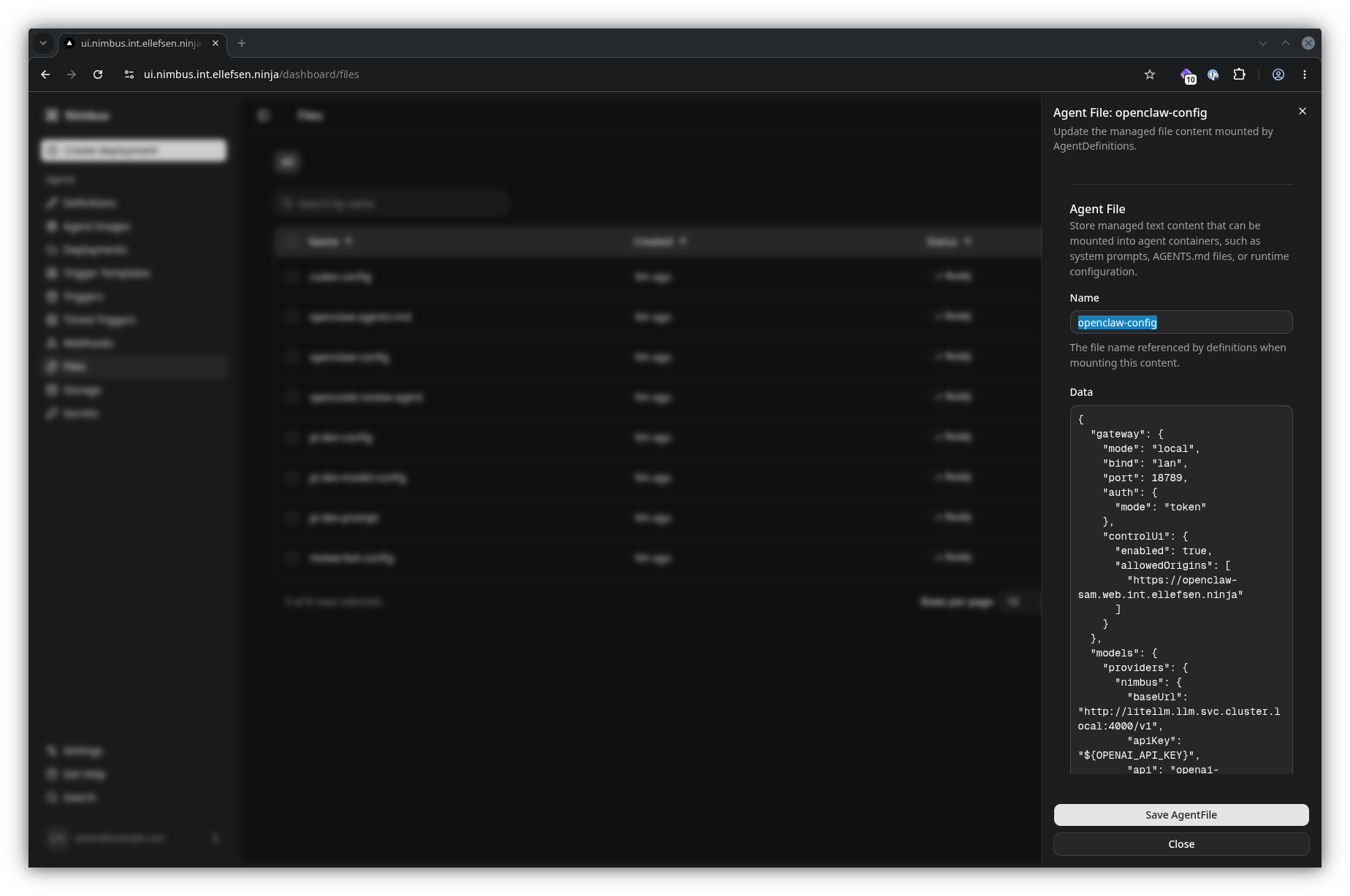
Use AgentFile resources for configuration, prompts, and other content that Nimbus renders into ConfigMaps and mounts into an agent container.
Images
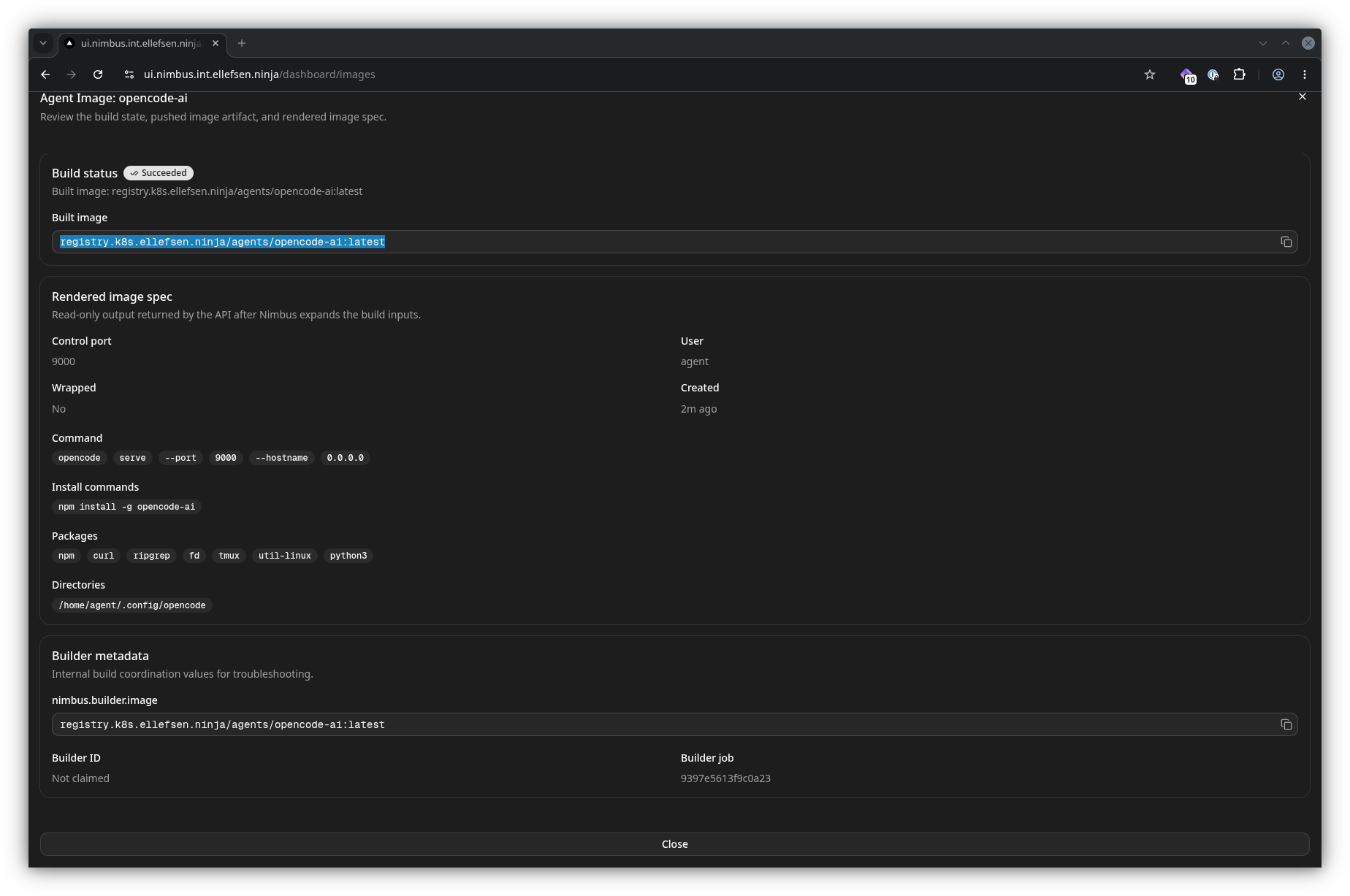
AgentImage resources describe an existing image or an image build, including packages, commands, and runtime settings.
Secrets and storage
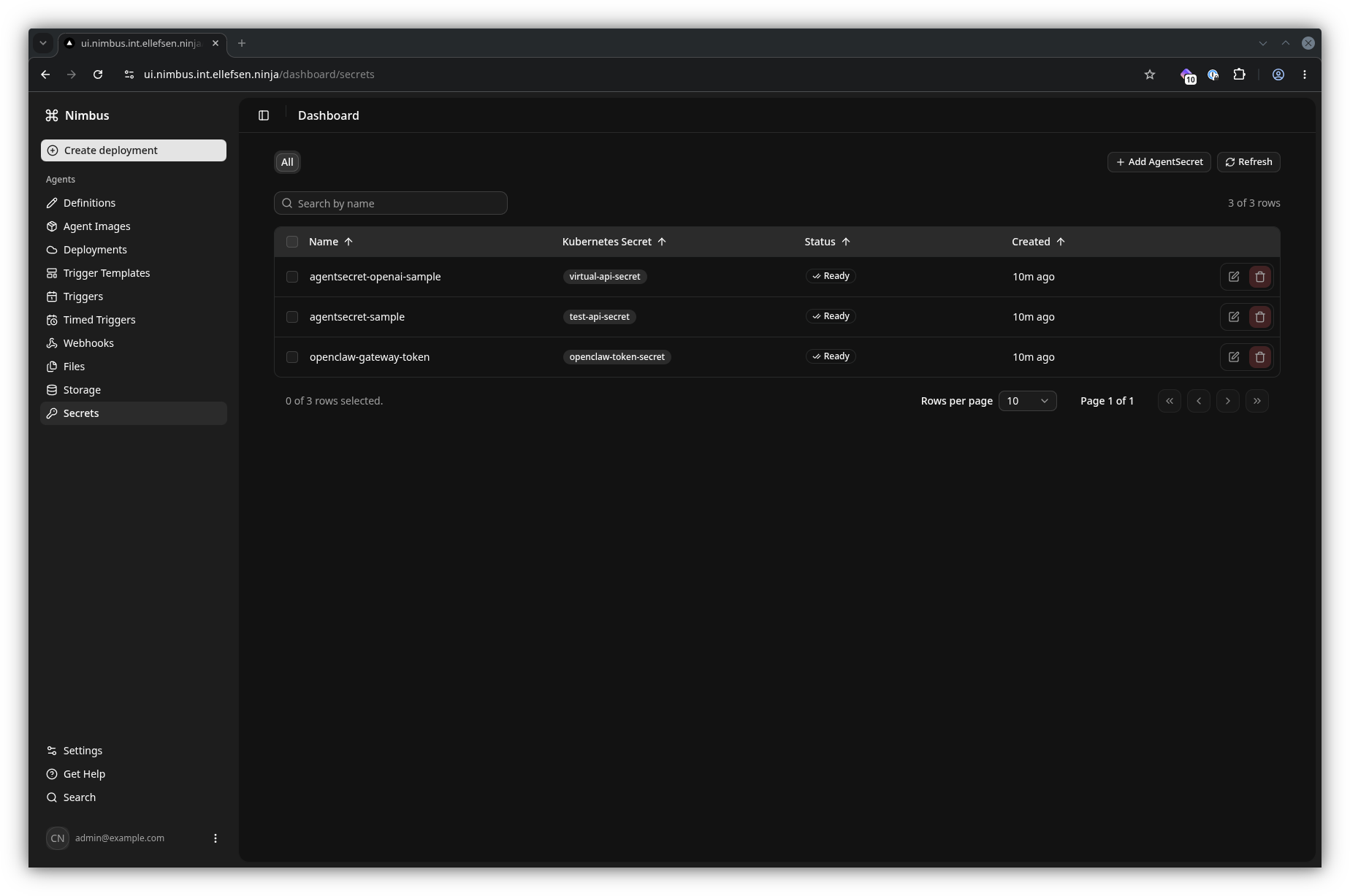
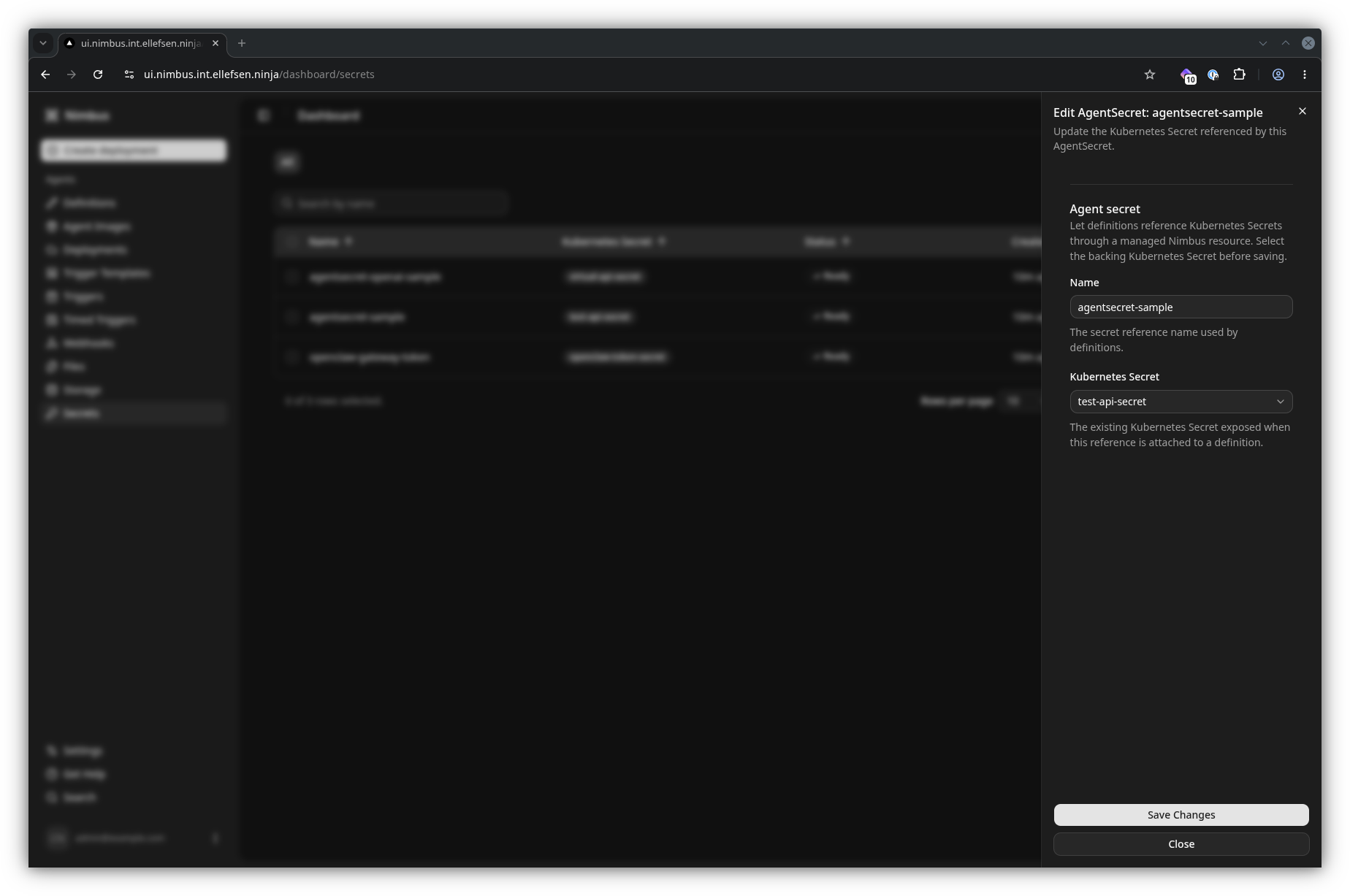
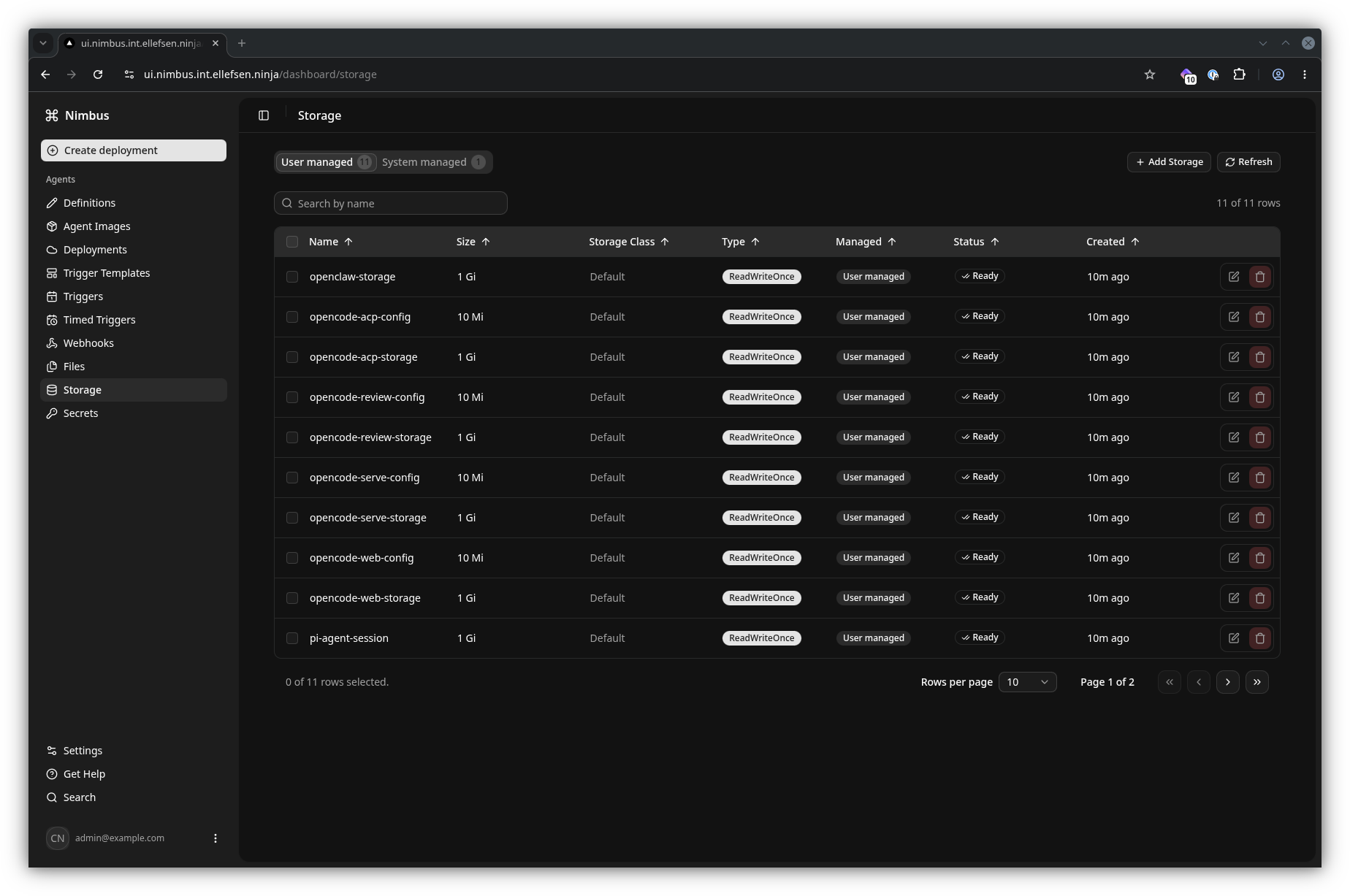
AgentSecret resources reference existing Kubernetes Secrets without exposing their values. AgentStorage resources provide persistent workspace or scratch storage for agents that need it.
Deploy and interact
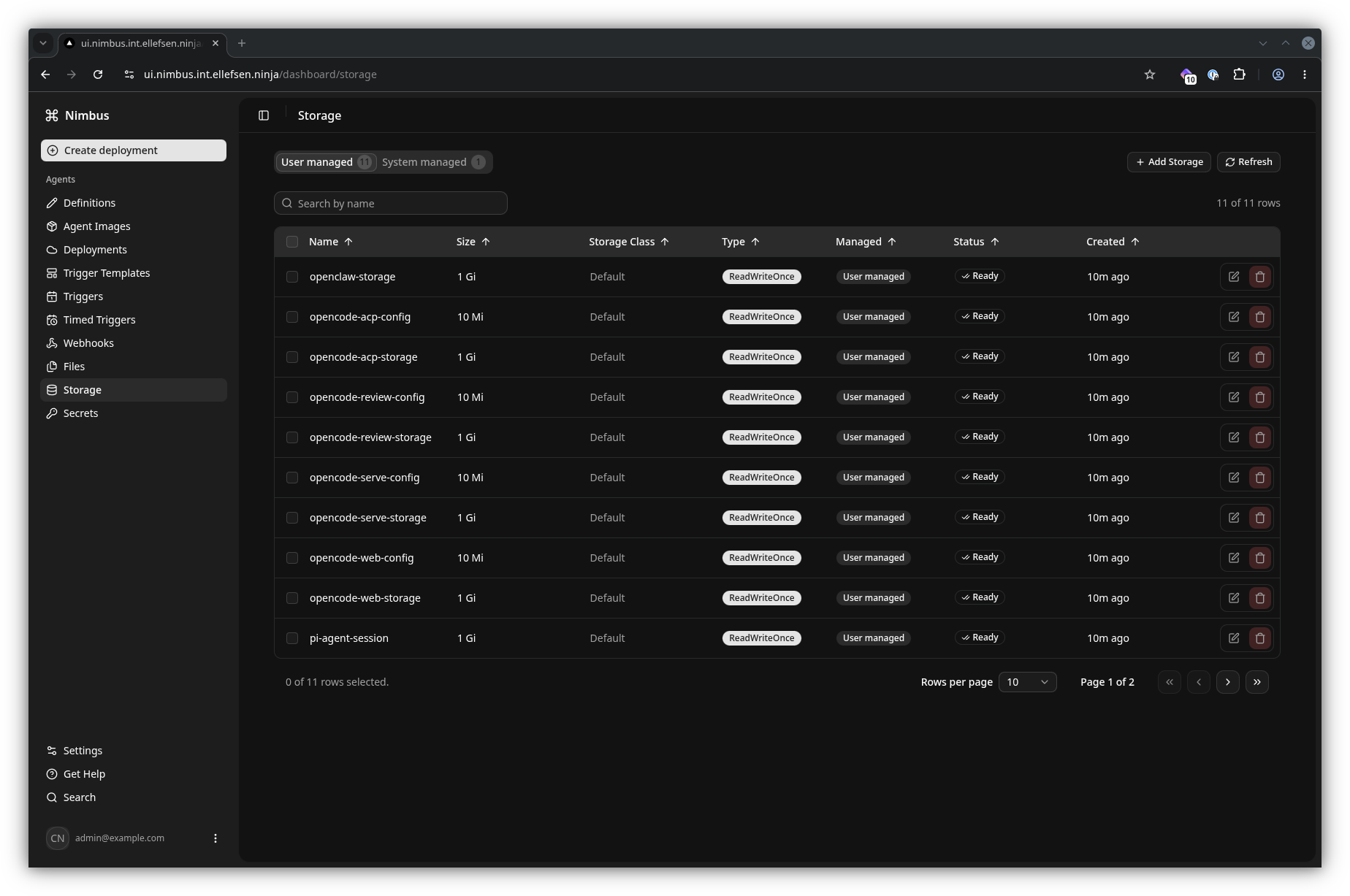
An AgentDeployment turns an AgentDefinition into the Kubernetes objects needed to run it. The deployment view is the place to check its status and open the tools Nimbus exposes for a running agent.
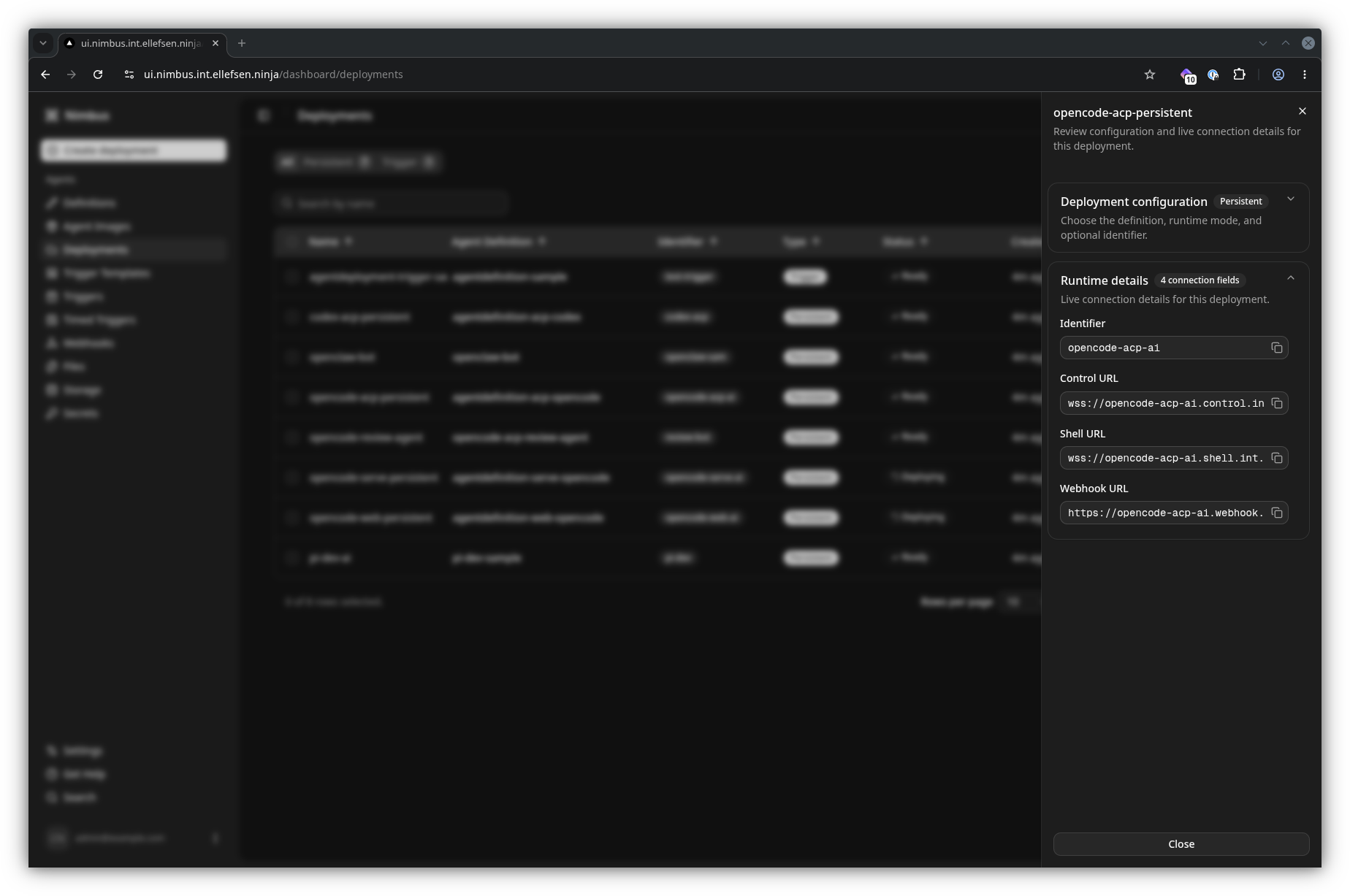
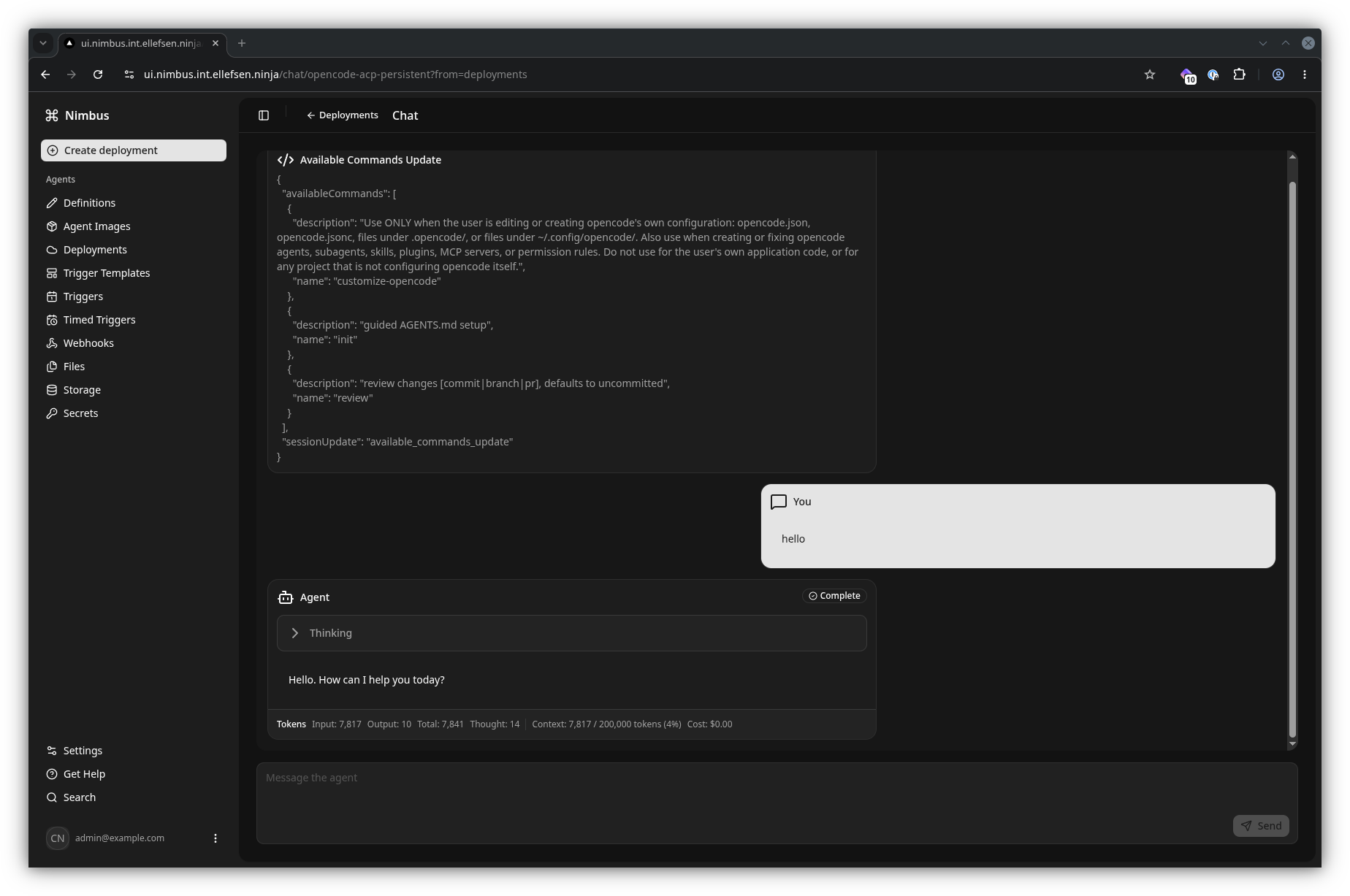
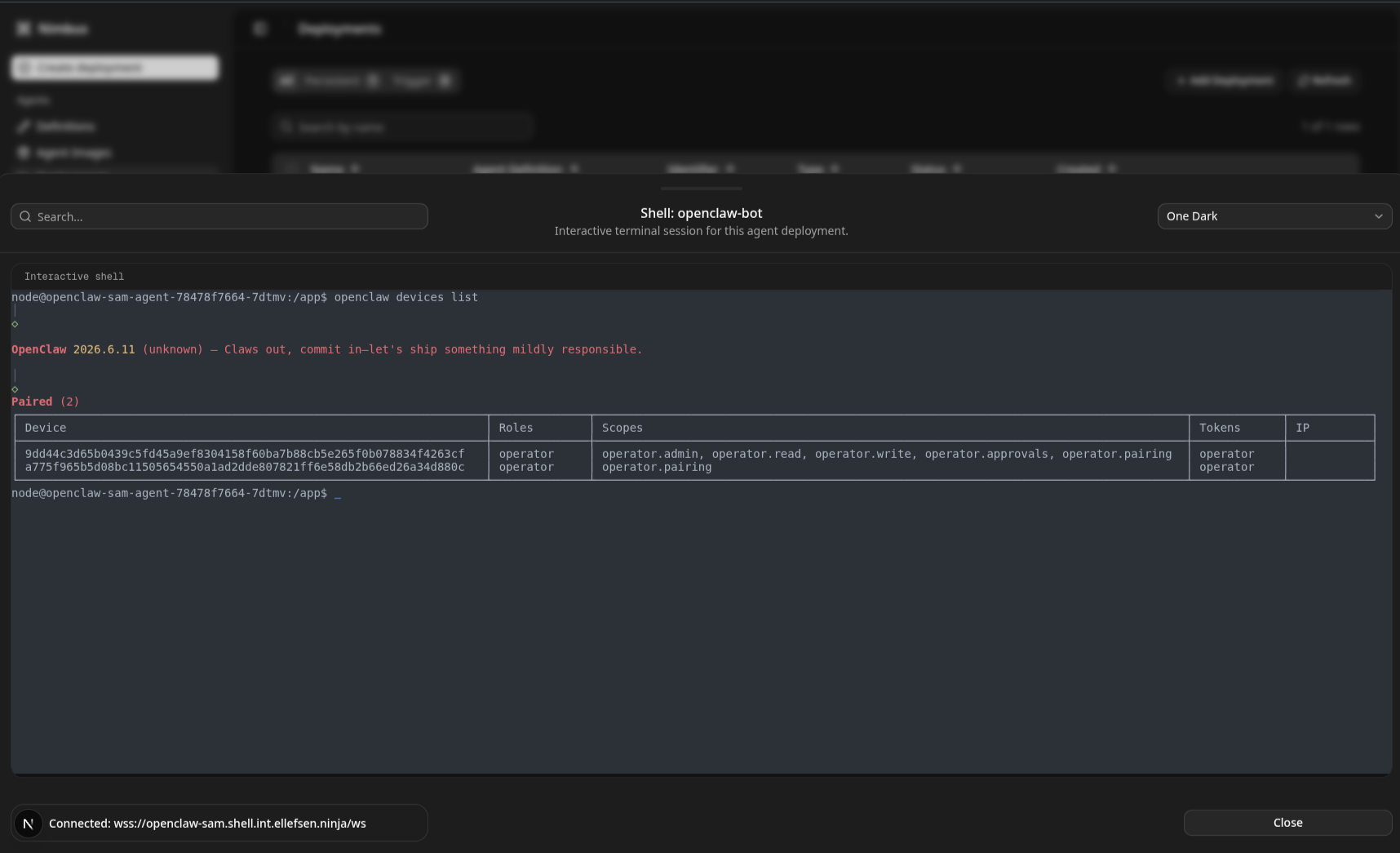
For ACP-compatible agents, the chat view provides a simple interaction surface over the standard control path. Shell access is also available for inspecting and working directly in the running container.
Automate agent work
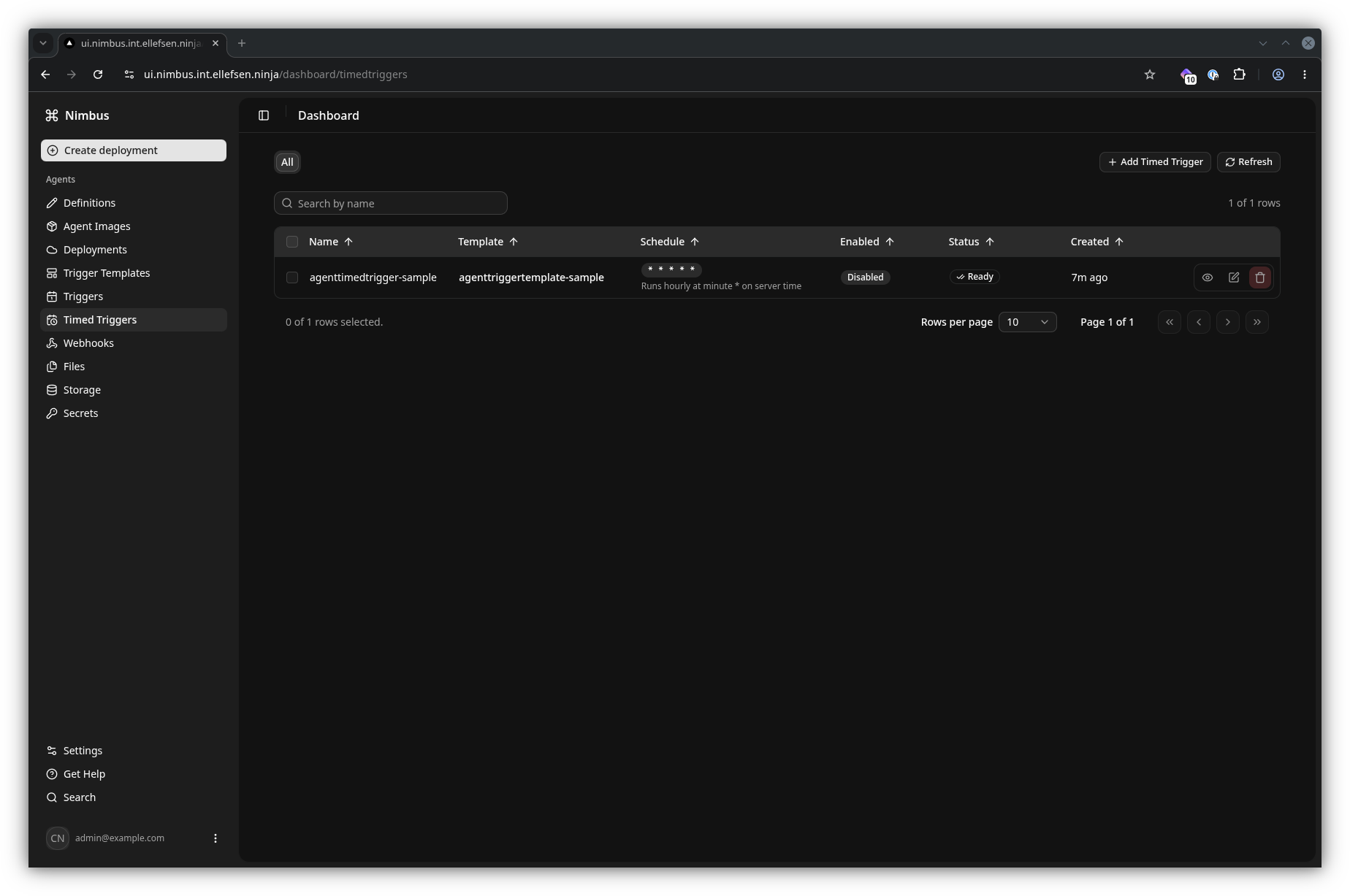
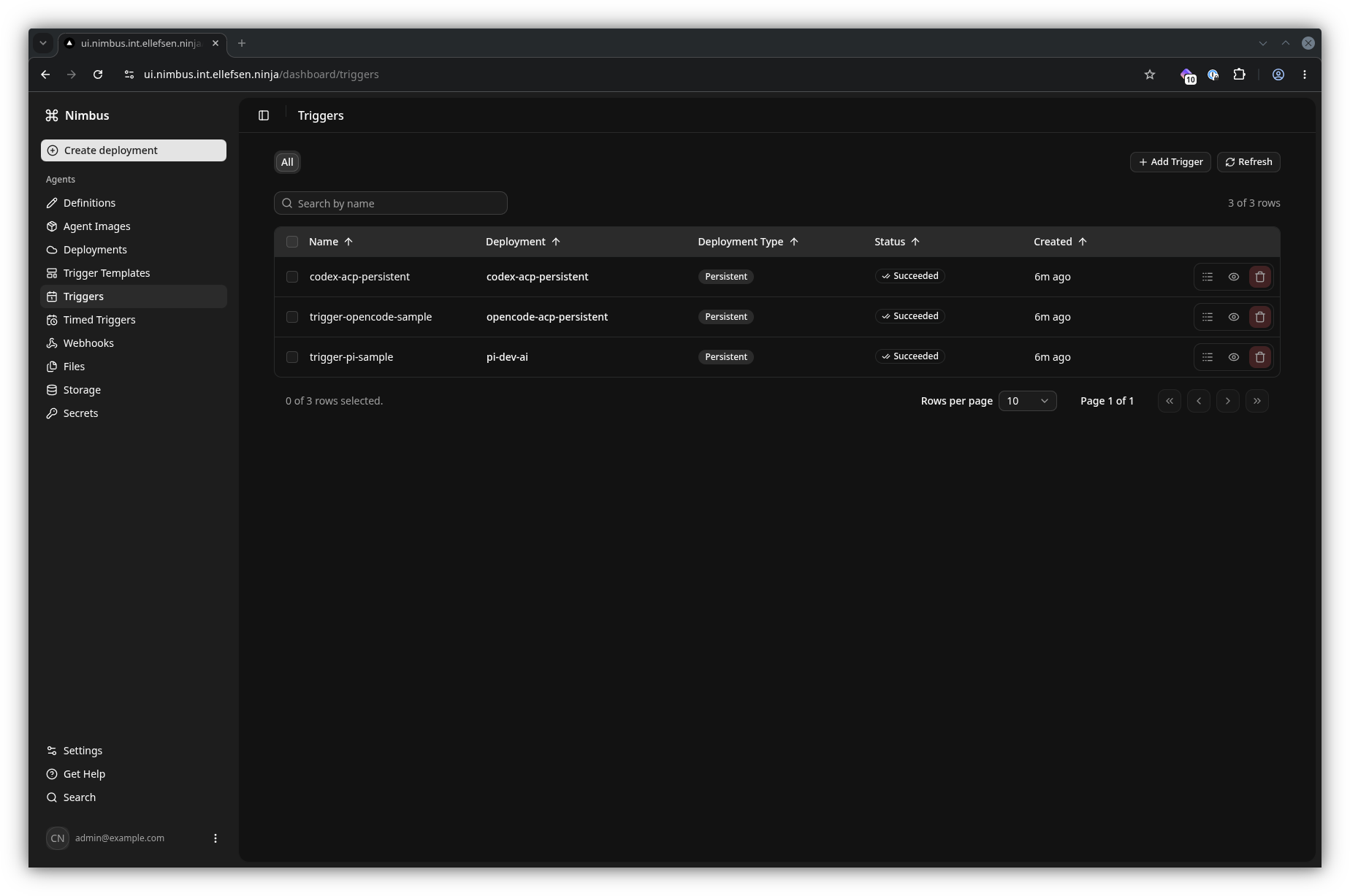
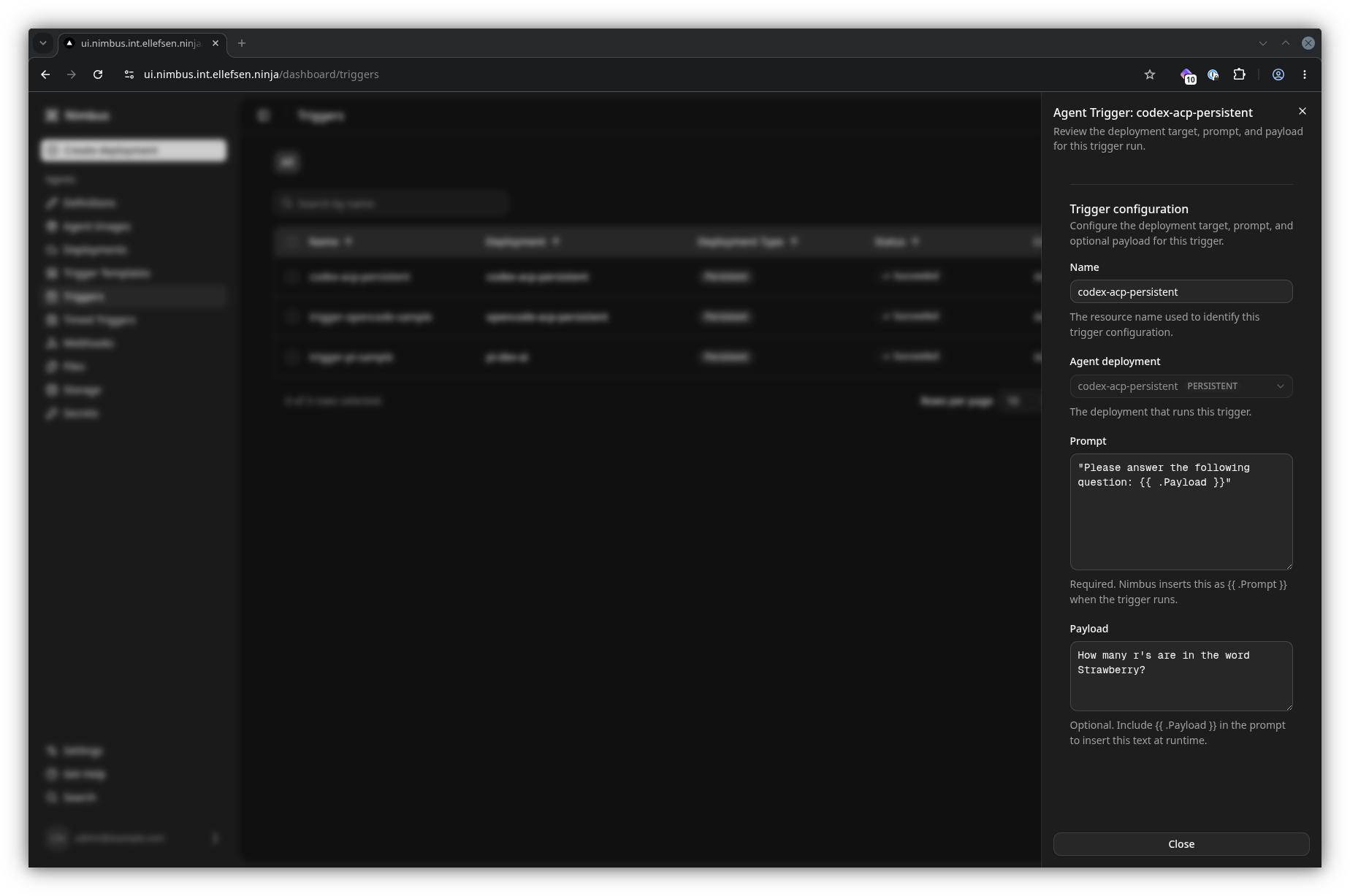
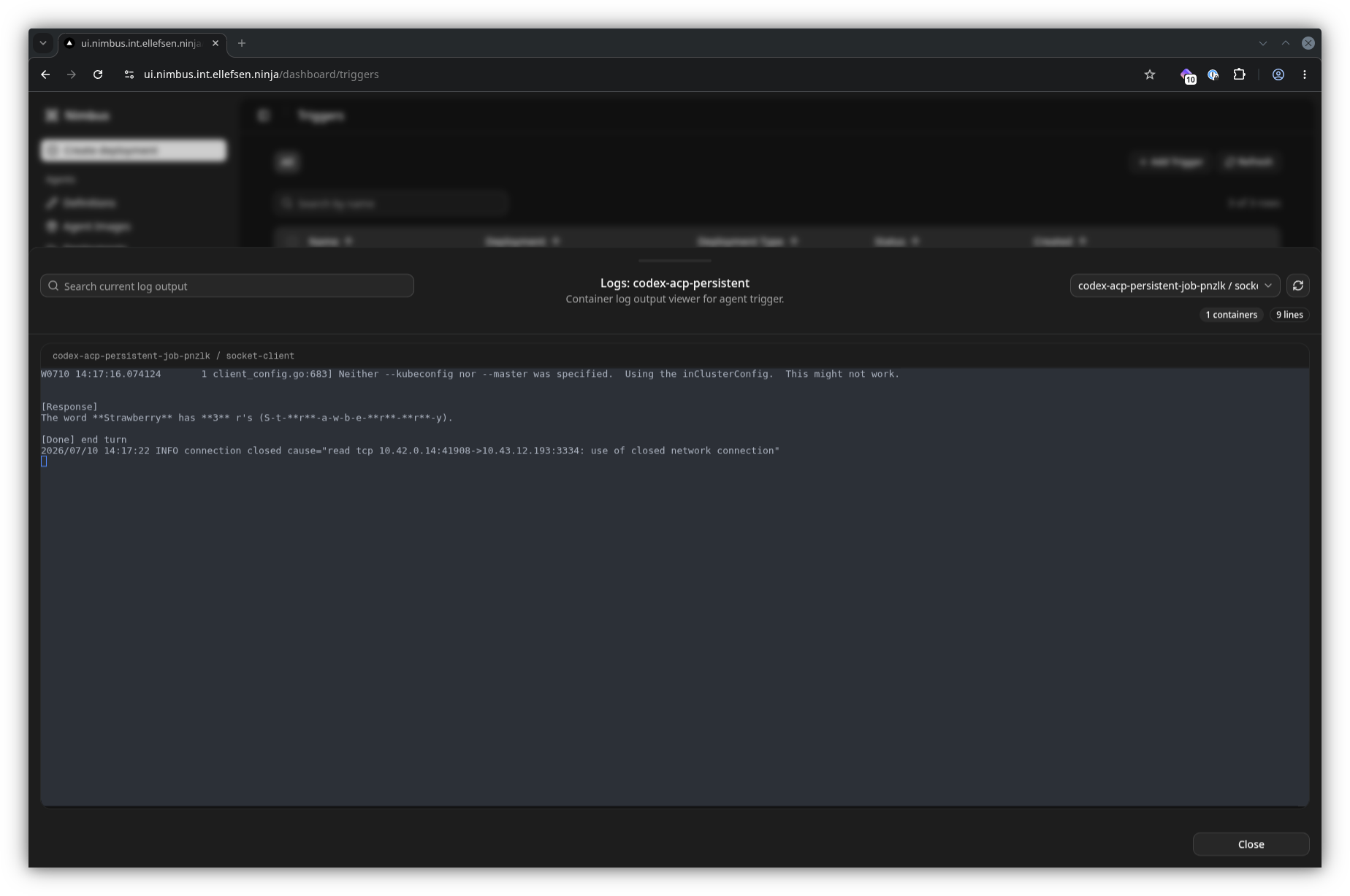
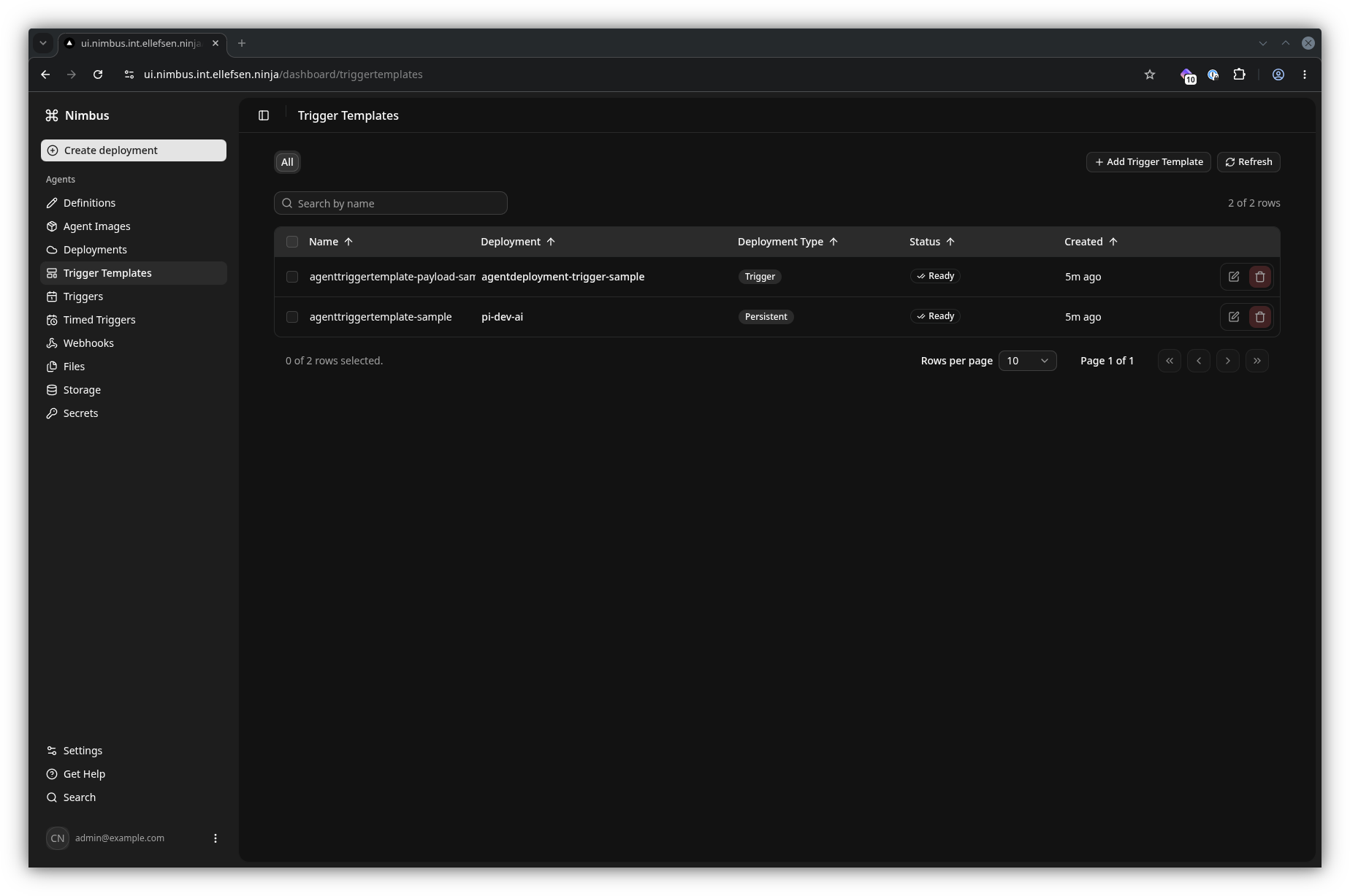
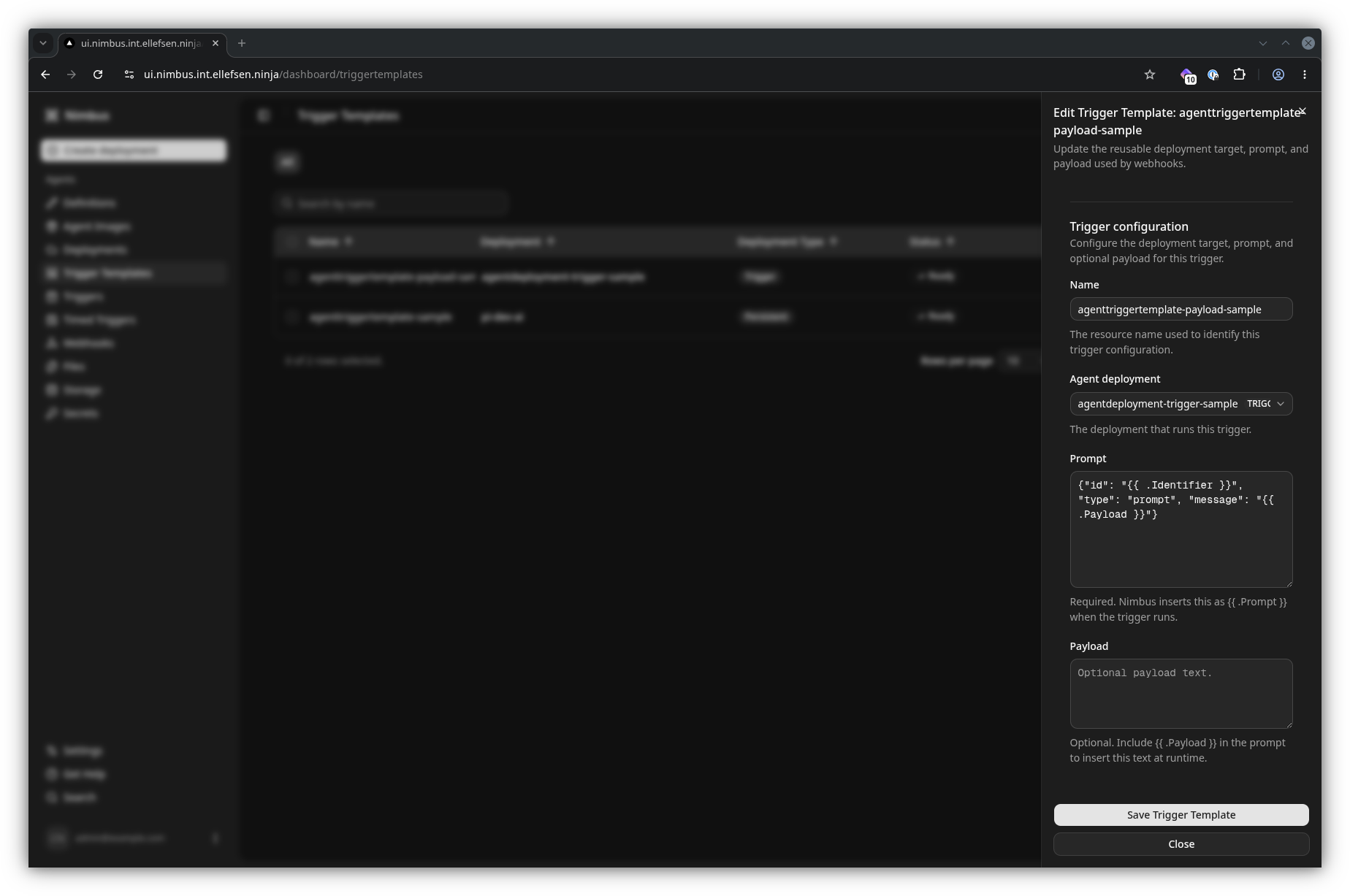
Triggers let Nimbus send a prompt, optionally with a payload, to an agent deployment. A trigger template stores a reusable request definition; webhooks and schedules can then create triggers consistently from that template.
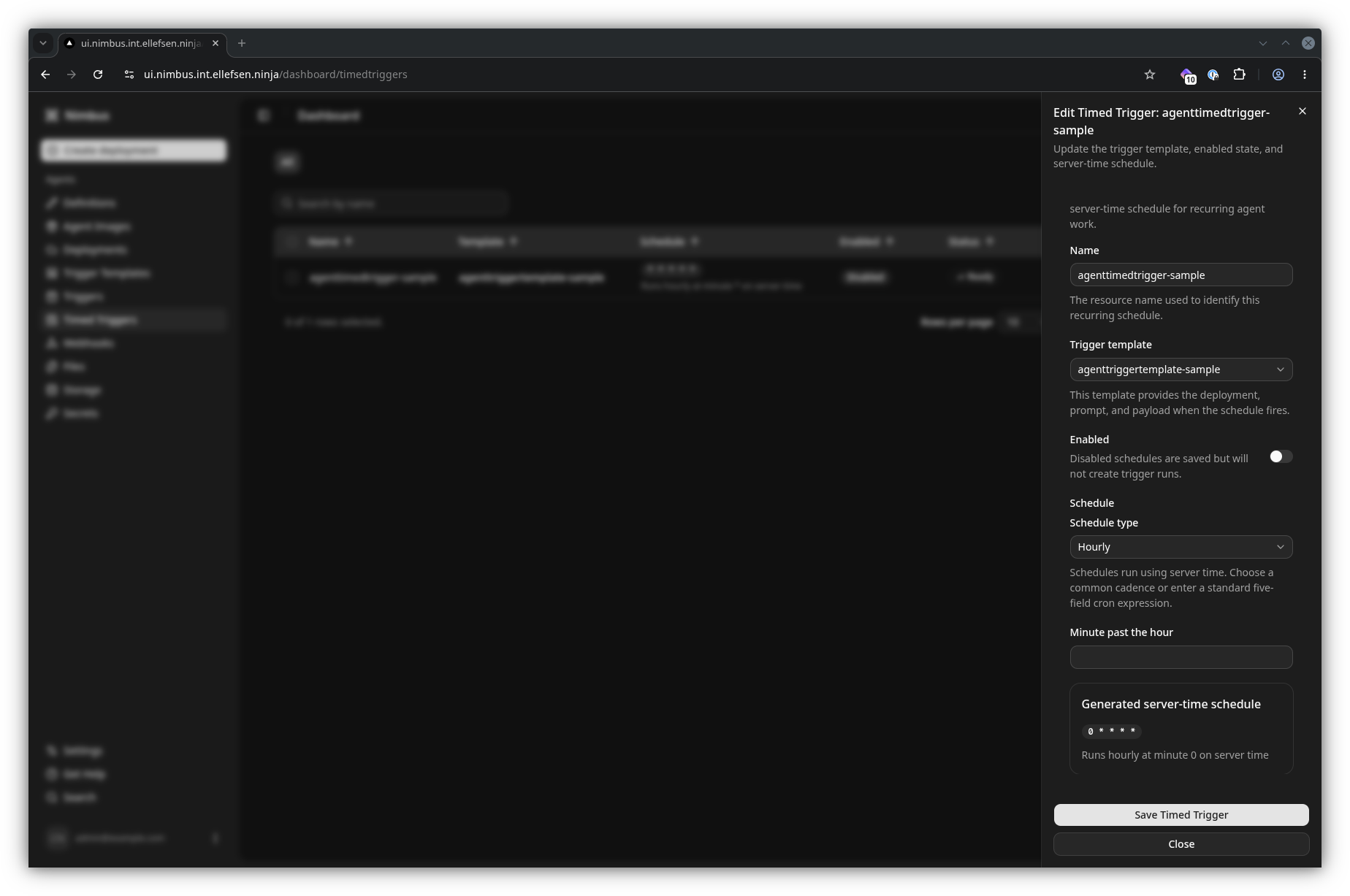
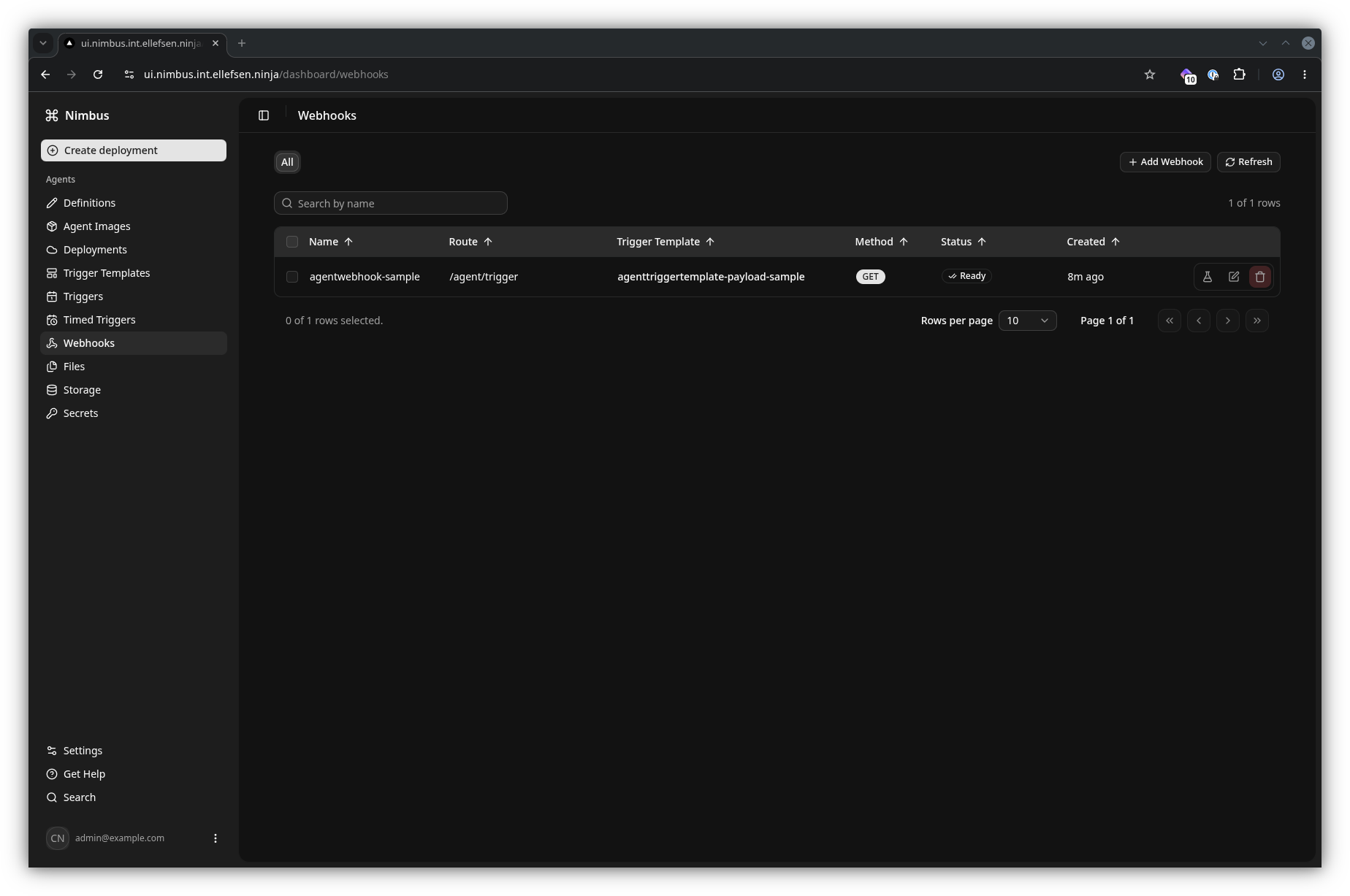
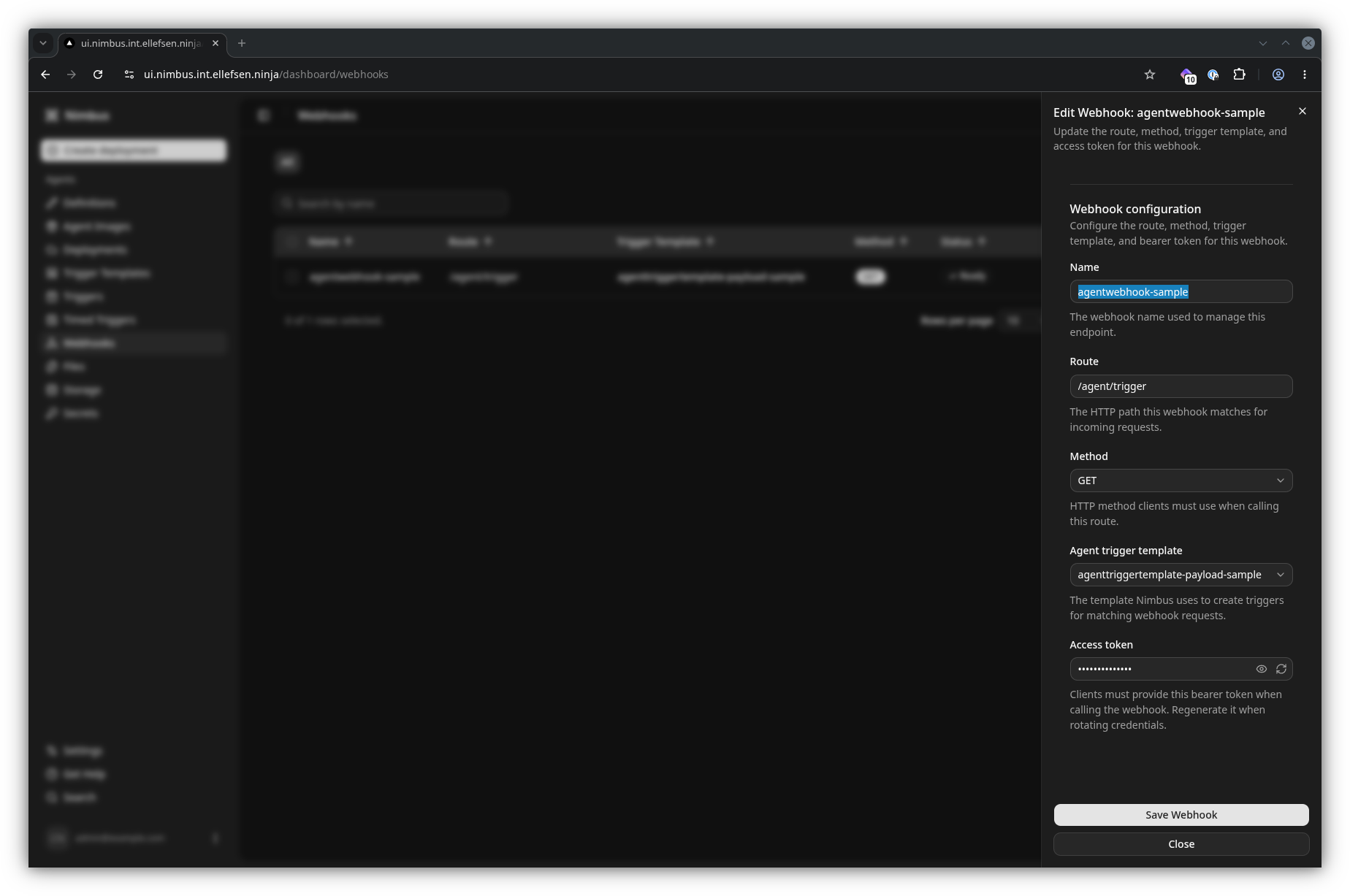
Scheduled and webhook triggers
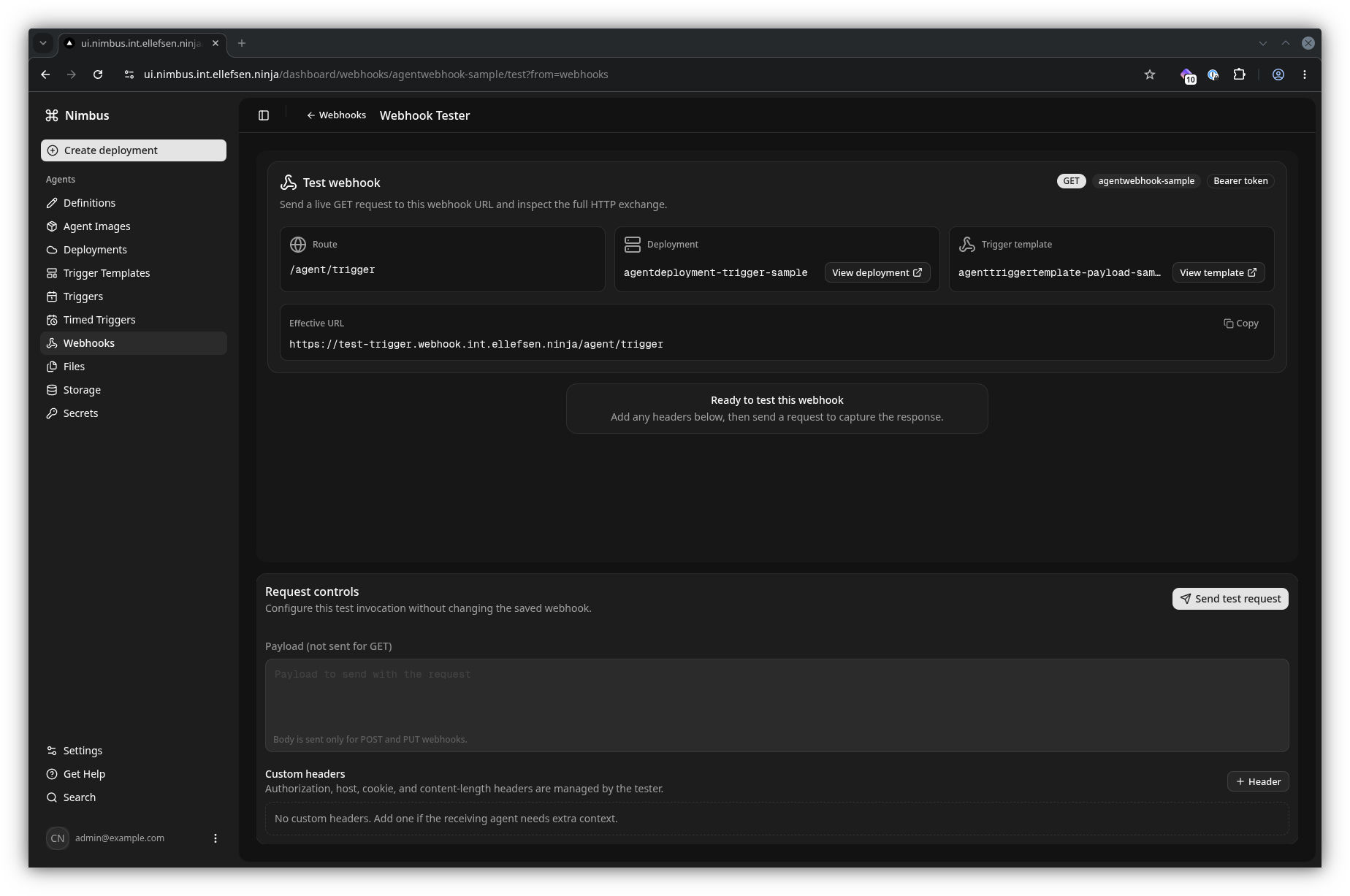
Use AgentTimedTrigger to create work on a cron schedule. Use AgentWebhook to expose an authenticated HTTP route that creates a trigger when an external system calls it; the tester helps validate that route before connecting an upstream service.