User Examples
Always running agent
Sam wants to deploy a persistent agent running OpenClaw and access it via the mechanisms Nimbus provides.
- Sam creates two
AgentFiles, which will be used to store the OpenClaw configuration, and another to store the OpenClawAGENTS.mdfile. Sam decides to manually deploy the Custom Resources to create the object. They could have just as easily performed this task usingnimbus-uiwithout having to manually construct the YAML:
Note
Setting up the CRs is not advisable; this is purely to demonstrate the underlying concepts. Agent creation with nimbus-ui via nimbus-api is the correct approach. The Quick Create Wizard is designed to simplify these agent creation steps.
Example
apiVersion: crd.nimbus.io/v1alpha1
kind: AgentFile
metadata:
   name: openclaw-config
spec:
   data: |
      {
         "gateway": {
            "mode": "local",
            "bind": "lan",
            "port": 18789,
            "auth": {
               "mode": "token"
            },
            "controlUi": {
               "enabled": true,
               "allowedOrigins": [
                  "https://openclaw-sam.web.int.ellefsen.ninja"
               ]
            }
         },
         "models": {
            "providers": {
               "nimbus": {
                  "baseUrl": "http://litellm.llm.svc.cluster.local:4000/v1",
                  "apiKey": "${OPENAI_API_KEY}",
                  "api": "openai-completions",
                  "models": [
                     {
                        "id": "openrouter/openrouter/free",
                        "name": "Openrouter Free"
                     }
                  ]
               }
            }
            },
            "agents": {
            "defaults": {
               "workspace": "~/.openclaw/workspace",
               "model": {
                  "primary": "nimbus/openrouter/openrouter/free"
               }
            },
            "list": [
               {
                  "id": "default",
                  "name": "OpenClaw Assistant",
                  "workspace": "~/.openclaw/workspace"
               }
            ]
         },
         "cron": { "enabled": false }
      }
- Sam creates two
AgentSecretobjects, one that will be used to reference the API keys for the LLM and another that will contain the gateway token for OpenClaw.
Example
apiVersion: v1
kind: Secret
metadata:
   name: virtual-api-secret
type: Opaque
stringData:
   OPENAI_API_KEY: "sk-1234"
   OPENAI_BASE_URL: "http://litellm.llm.svc.cluster.local:4000/v1"
---
apiVersion: crd.nimbus.io/v1alpha1
kind: AgentSecret
metadata:
   name: openclaw-api-secret
spec:
   secretRef:
      name: virtual-api-secret
- Sam knows there will be persistent storage required so they create
AgentStoragethat will be used for the workspace.
Example
- Sam then defines the
AgentDefinition, which will tell Nimbus how they want the agent to be constructed when it is deployed. Sam decides to use the official OpenClaw container image for this definition:
Example
apiVersion: crd.nimbus.io/v1alpha1
kind: AgentDefinition
metadata:
   name: openclaw-bot
spec:
   image: "ghcr.io/openclaw/openclaw:slim"
   type: Web
   agentFile:
      openclaw-config: /home/node/.openclaw/openclaw.json
      openclaw-agents-md: /home/node/.openclaw/workspace/AGENTS.md
   agentStorage:
      openclaw-storage: /home/node/.openclaw/workspace
   secretEnv:
      - name: agentsecret-openai-sample
      - name: openclaw-gateway-token
   controlPort: 18789
- Finally Sam creates the
AgentDeploymentwhich will build the persistent deployment
Example
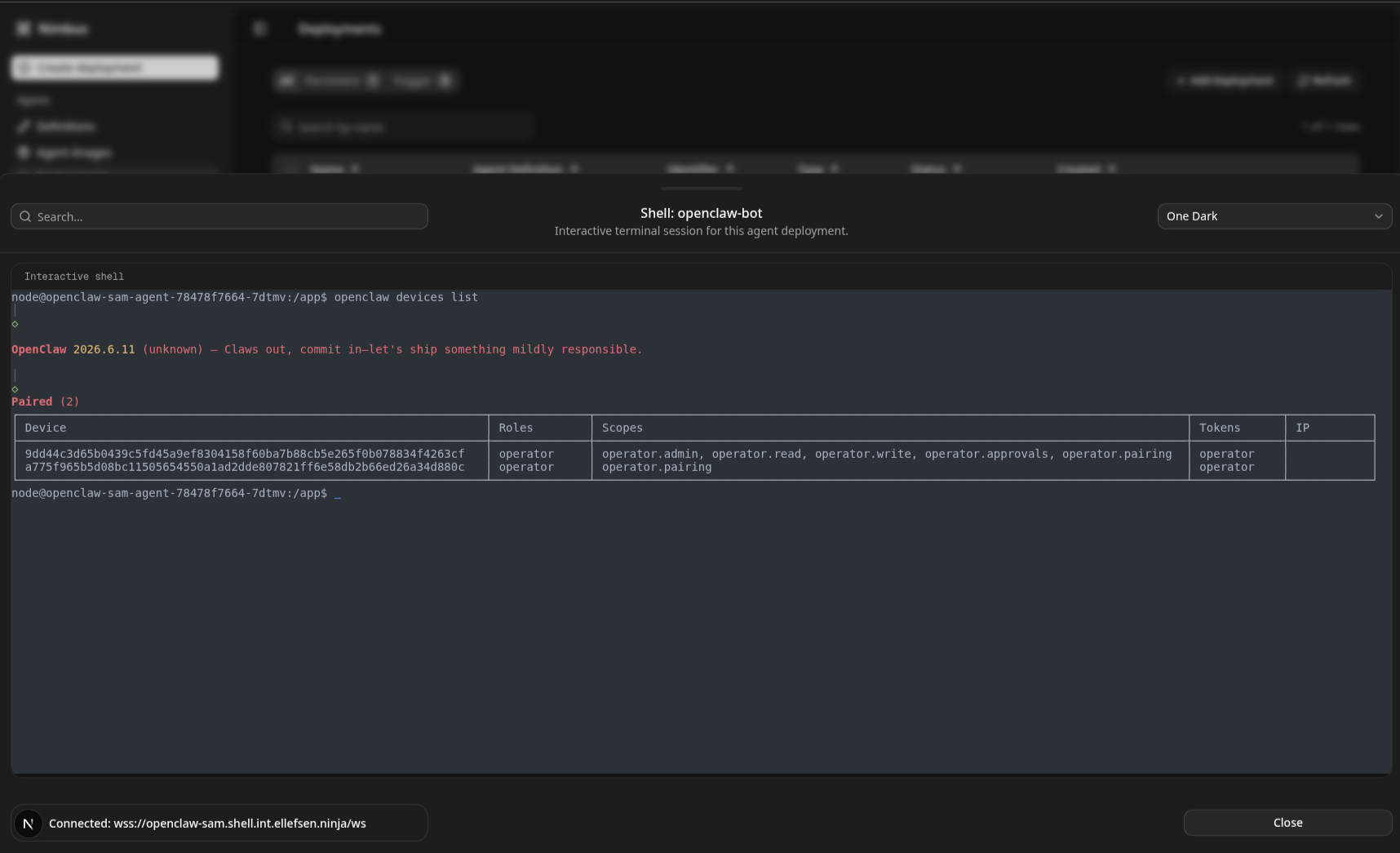
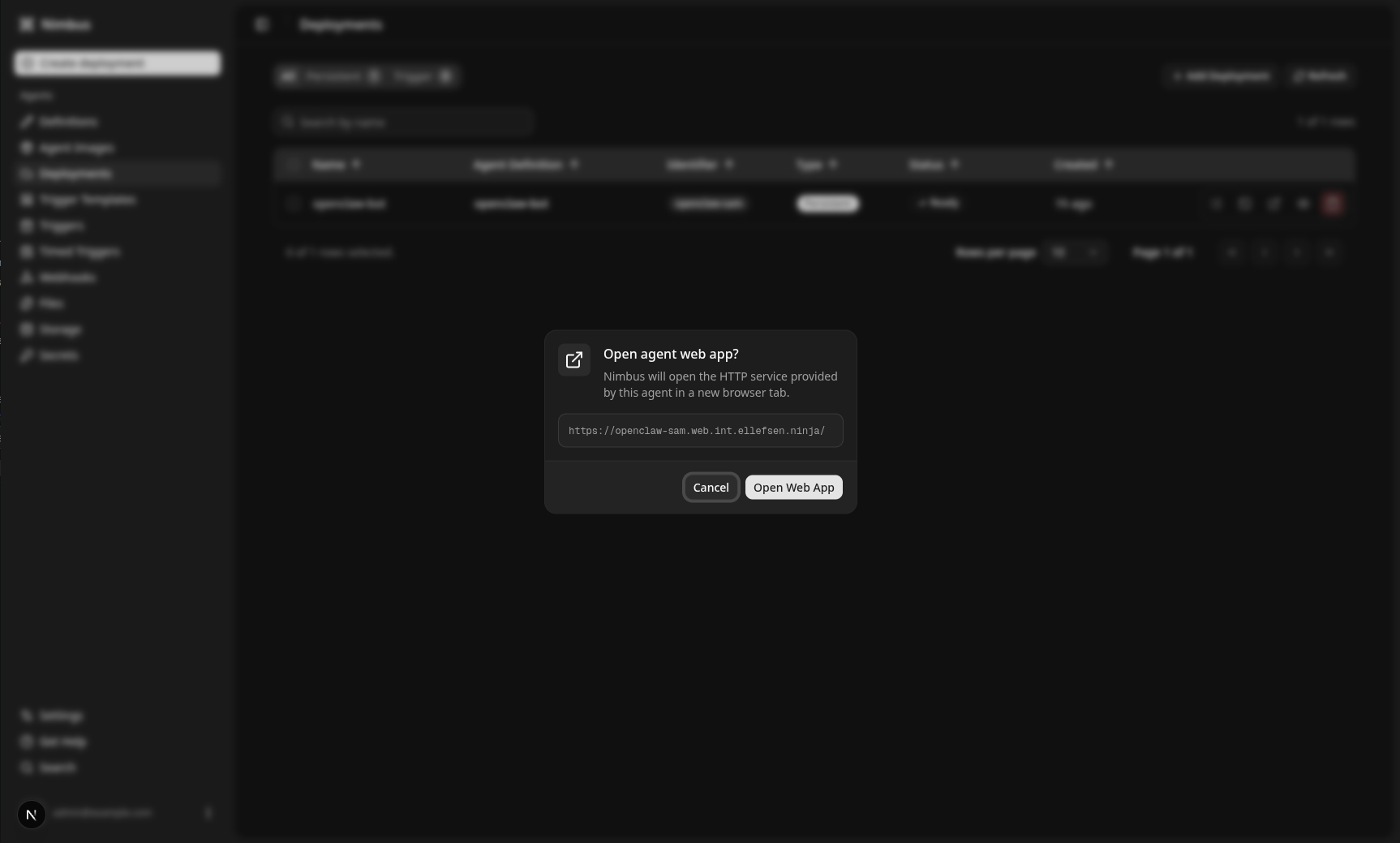
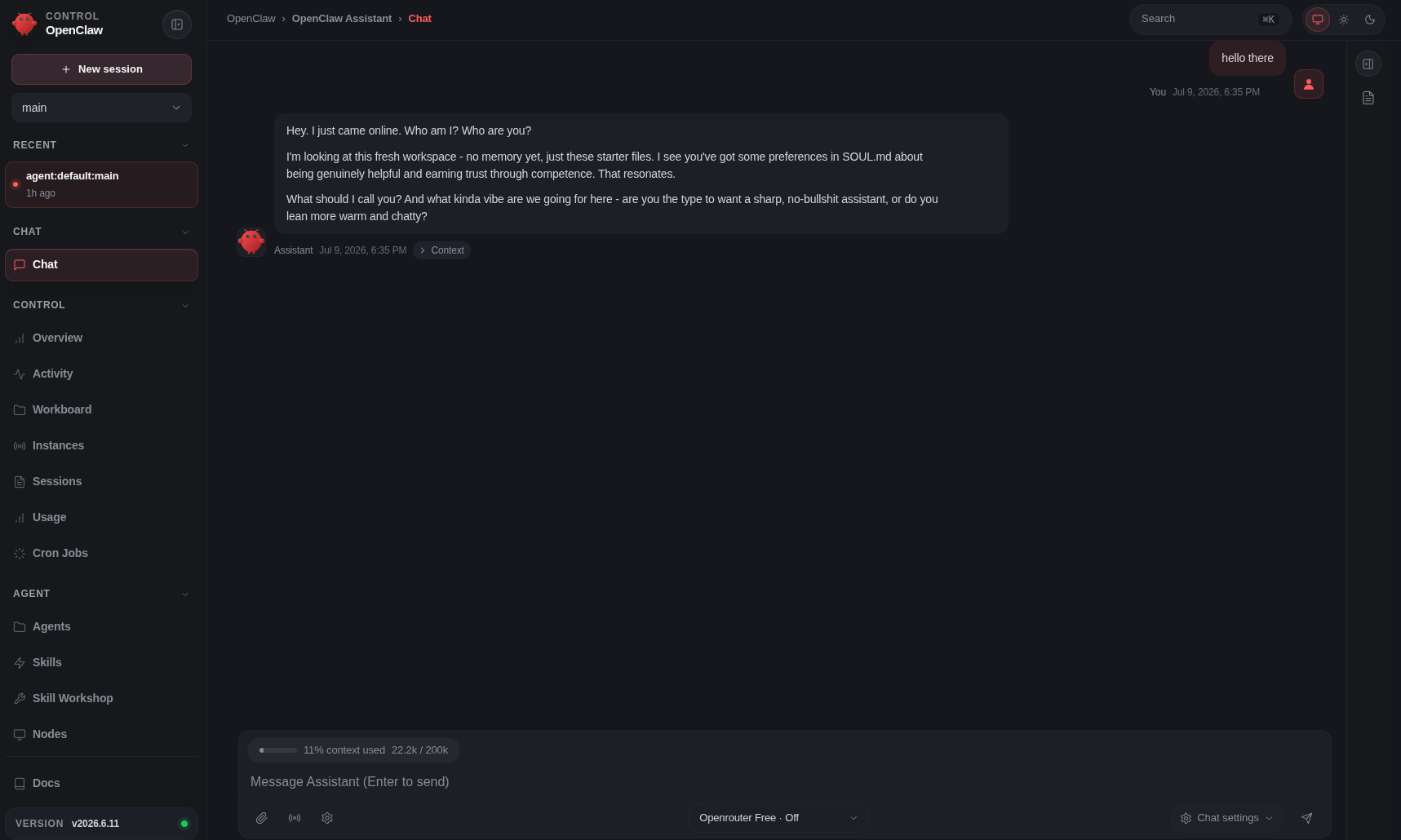
Once the deployment is applied, Nimbus will go ahead and roll out the Agent Stack based on Sam's definitions. OpenClaw has an opinionated setup, but as long as there is persistent storage, configuration items will persist across container restarts. nimbus-ui provides a convenient way to access the pod shell, pod logs, and the OpenClaw control UI.
Shell Access
Web Redirect
OpenClaw Control UI
On-demand review agent
- Sam wants to deploy a managed agent on Nimbus in order to automatically trigger a code review when a PR is created.
- Sam decides that they need a few different objects to achieve this:
- An agent that is running on the Nimbus platform.
- A trigger that can be fired when a webhook comes in.
- Persistent scratch storage space for the agent to use to download the repo in question.
- A system prompt that the agent can use to understand what work it needs to do.
- A set of skills that the agent needs to be bootstrapped into the agent.
- Sam accesses the
nimbus-uiand creates the following items:- Sam defines the system prompt and stores it as an
AgentFile. - Sam allocates some storage, which is created using an
AgentStorageresource. - Sam decides they need extra packages in the container, so they create an
AgentImageto build a new agent container (however, a pre-existing image could also be used). - Sam defines the secrets that this agent will need (for example, an API key). They create an
AgentSecretto link the secret in Kubernetes to what will be used by the agent container. - Sam defines their
AgentDefinition, which links theAgentFileto a known mount point, theAgentSecretto the environment variables used by the agent, theAgentStorageto a mount point in the container, and marks it as a "trigger only" agent, along with any skills that should be bootstrapped into the container. - Sam then defines an
AgentTriggerTemplate, which describes how the agent should be invoked when a webhook request comes in. - Sam lastly defines the
AgentWebhook, specifying the route, method, and authentication token that should be used when the webhook is called.
- Sam defines the system prompt and stores it as an
- Sam is then provided a system-created URL for their webhook, which can be used directly in the upstream service to trigger the agent.
In the backend, the following actions are taken by the operator when it is reconciling Sam's objects:
- The
AgentFilecontent gets rendered into aConfigMap. - The
AgentStoragegets rendered into aPersistentVolume. - The
AgentImageinvokes thenimbus-builder, which builds and pushes the image to the system-configured registry. - The
AgentSecretvalidates that the referencedSecretexists and persists the reference. - The
AgentDefinitionvalidates that all the referenced objects exist in the system. - The
AgentDeploymentgets rendered into aDeployment,Service, andIngress, which starts thenimbus-webhook-managerfor this deployment. - The
AgentTriggerTemplateis validated against the existing objects in the system. - The
AgentWebhookis validated, and thenimbus-webhook-managerdynamically creates the routes and starts listening for requests.
When a webhook request comes in, the nimbus-webhook-manager will:
- Validate that the route is known for the agent.
- Use the
AgentTriggerTemplateto create anAgentTrigger. - The
AgentTriggeris then resolved into aJob, which starts the agent container and executes the prompt defined in the template.